
Writing notes
Type. There is nothing to press.
A note reaches its file on its own: about a second after you stop typing, and in any case within five seconds of the first change you made. Ctrl/⌘ S writes what is owed at that moment, for the times you want to be sure. Closing a tab or quitting the window writes what is owed and waits for it.
Everything you write is found by name and by word as soon as it lands. Search by meaning catches up a few seconds after you stop.
What you see as you write
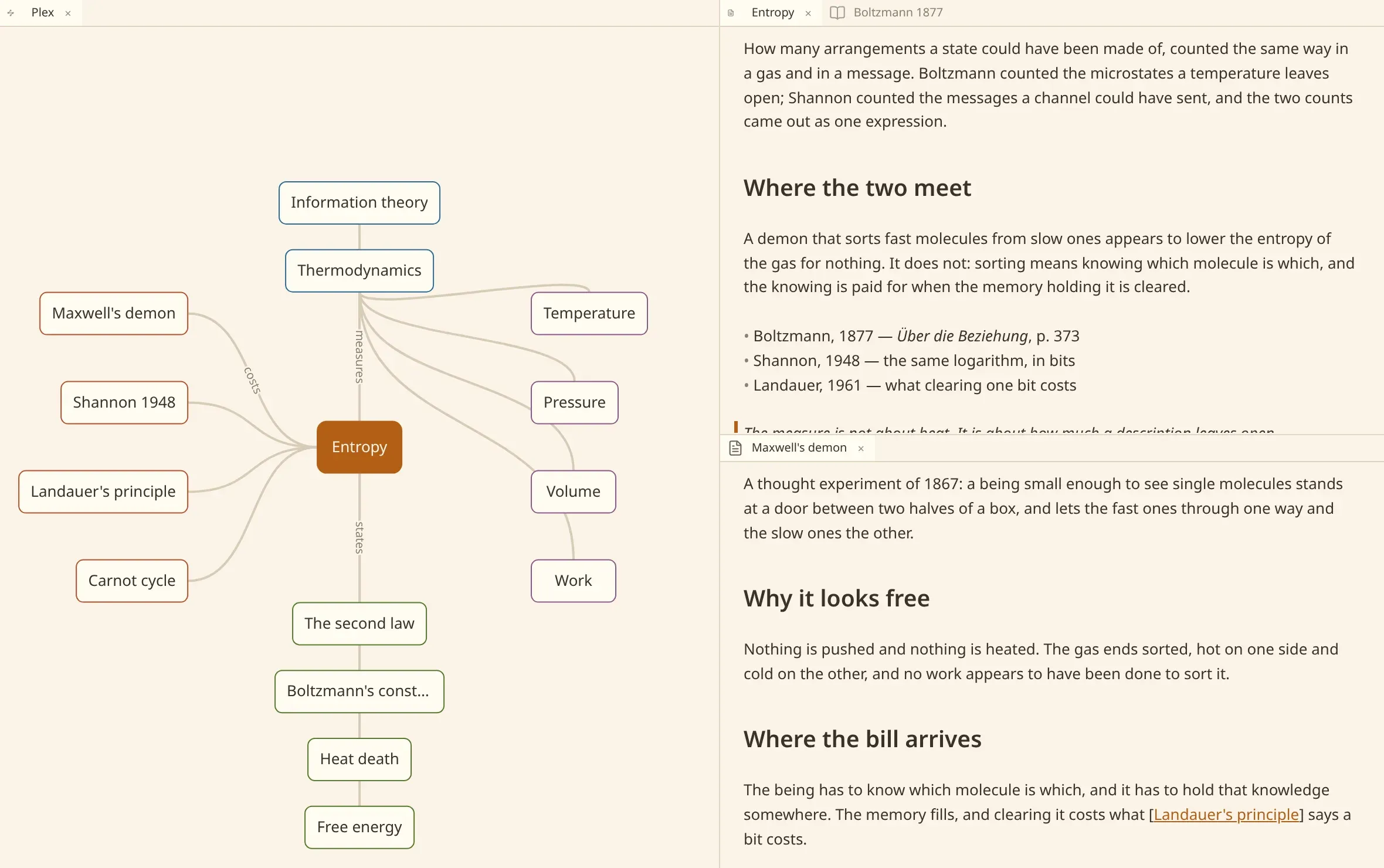
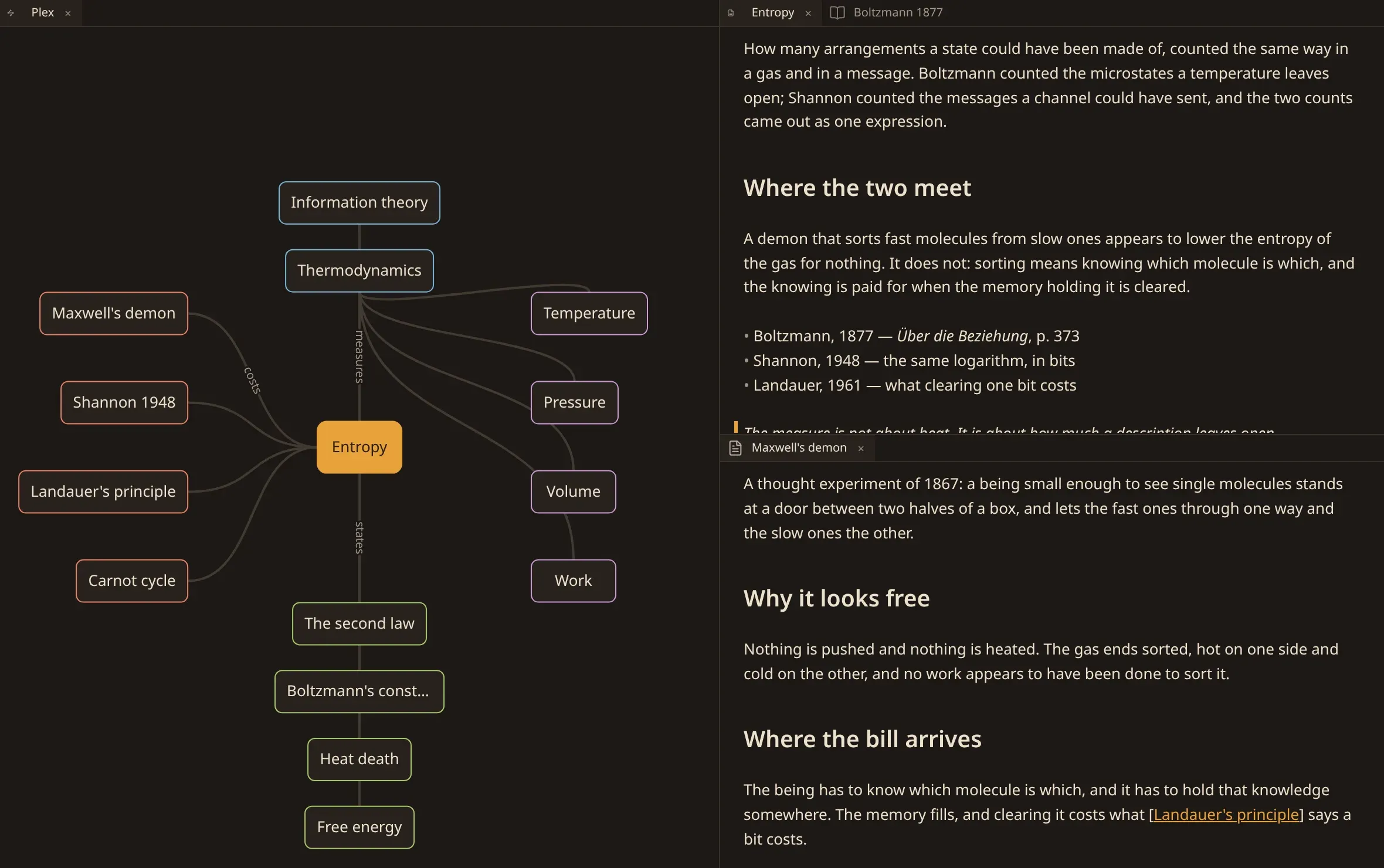
Section titled “What you see as you write”The note is markdown, and it is drawn as what it means: a heading is a heading, a link is a link, a list is a list. The marks themselves appear on the line the caret is on, so you can edit them, and step away and they are gone again.
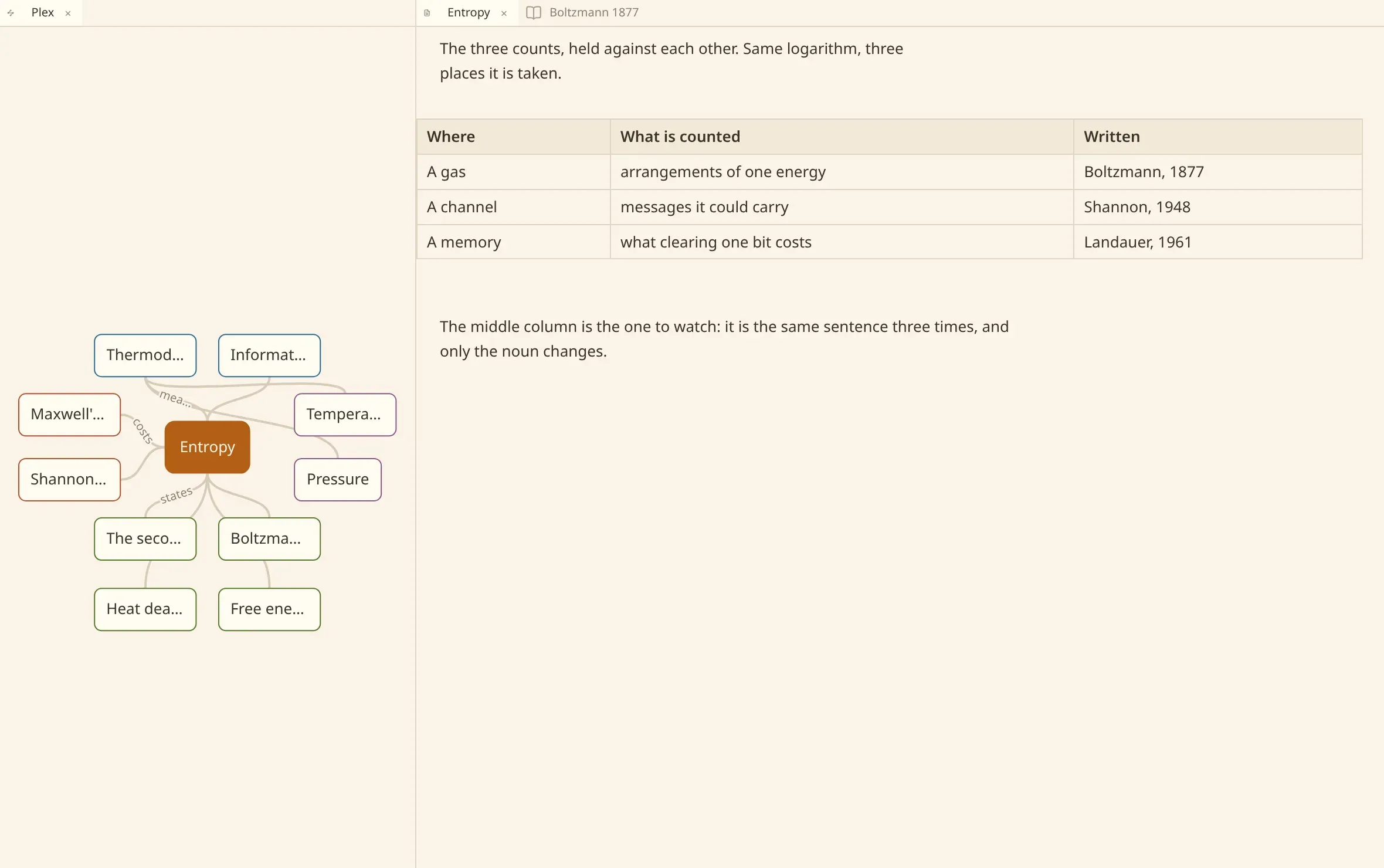
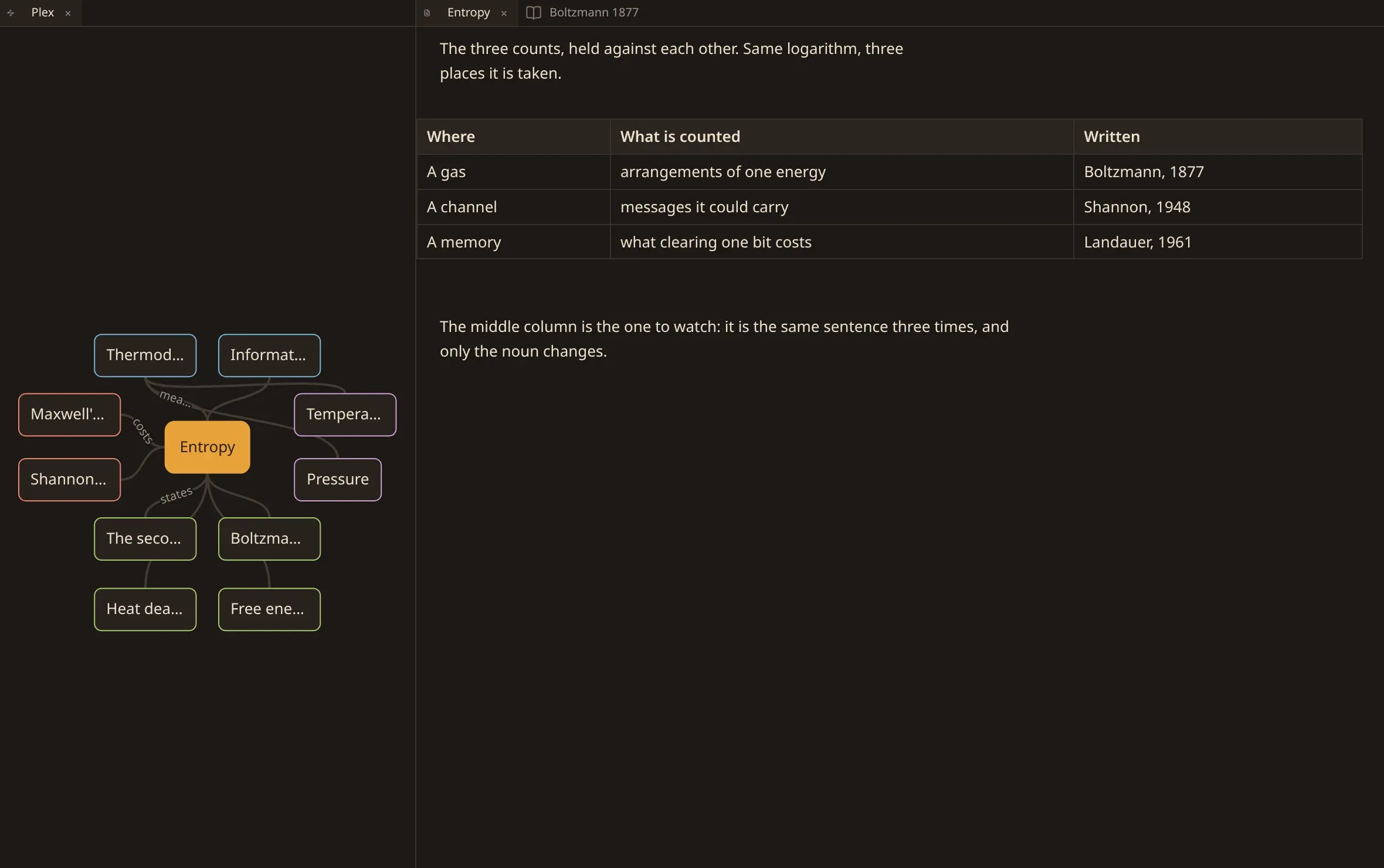
A table is a table you type in rather than a row of pipes and dashes: Tab walks the cells, Tab on the last one makes a new row, Enter drops to the cell below, and Escape puts you back in the text under it.
Linking as you type
Section titled “Linking as you type”Typing [[ opens an autocomplete list of existing notes in the vault.
- Filter note titles and paths as you type.
- ↑ and ↓ navigate choices; Enter or Tab inserts the link.
- Selecting a title that does not yet exist creates a new note in the vault and inserts
[[New Note]]without losing your place.
What names a note
Section titled “What names a note”Two things: a title: in the frontmatter if the note has one, and otherwise the filename.
A heading in the prose names nothing. Writing # Something at the top of a note does not
rename it, and neither does changing one. What you type in the body is the body.
Making one
Section titled “Making one”New note in the commands asks for a title, and the file is named after it. Characters a
filename cannot hold — / \ : * ? " < > | and a few more — become -, and a very long title is
cut to fit.
Where the title survives that whole, the filename says it and nothing is written inside the
note. Where it does not, the frontmatter carries your exact title under title:, so the name
you meant is kept whole.
Two notes may share a name. numen says so when it happens and files both.
Renaming
Section titled “Renaming”Change title rewrites whichever of the two names the note: the title: key if it has one,
and otherwise the filename.
The title and the filename are kept as one name. Change the title and the file moves to match; rename the file — in the files tab or in your own file manager — and the new name is written into the note. A note that only has a filename is unaffected: there is nothing inside it to bring into line.
If you would rather they were two separate things, Sync title and filename in the commands
turns it off — and on again — and writes the choice down. It is
naming.sync_title_and_filename in the settings if you would rather edit the
file. Off, a new title stays inside the note and a renamed file stays renamed.
The title: key is added only where a filename cannot carry the title whole, so a vault whose
filenames say their names stays a vault without the key.
Links that pointed at the old name are looked at afterwards, and only the ones that now reach nothing are repaired. See links.
Removing
Section titled “Removing”Remove note moves the file into .trash/ inside the vault, keeping the path it had. It
leaves the search, the plex and the index; nothing is destroyed, and the file is in that folder
if you want it back.
Destroy note deletes it outright. You are asked to type the note’s name first, and nothing brings it back.
Notes that linked to what you removed are reported and left alone. The link is not wrong — its target is gone, and only you know what was meant.
Your files stay yours
Section titled “Your files stay yours”numen is a guest in files you also edit elsewhere.
- What it did not change, it does not rewrite. Your spacing, your line endings, the order of your frontmatter keys: preserved as found. A save never produces a diff you did not ask for.
- Frontmatter it does not own is carried across untouched — every key your other tools write.
- A file it cannot parse is not repaired. Broken frontmatter is reported, never guessed at.
When the file changed underneath you
Section titled “When the file changed underneath you”Edit the same note in another editor, or let a sync client bring down a new version, and the tab notices that the file moved past what it read. It stops saving there and then, keeps every word you typed, and asks:
- Keep mine — write what is in the tab over the file;
- Take the file’s — read the file again, replacing what is in the tab.
Nothing is decided for you and nothing is lost while you decide. The same question is put again if you try to close the tab or quit the window, and putting it off calls the quit off.
If the file disappears entirely, the tab stays open showing what you were reading and says the note is gone. Keep mine writes it back into existence at that name.
Limits
Section titled “Limits”| One megabyte | the most a single note can be and still open here. |
| UTF-8 | a file that is not valid UTF-8 is not opened. |
| Prose only | a note begins below its frontmatter; text pasted in that opens with --- is refused as a body. |