
Themes
Change the theme in the commands lists everything you can wear. Choosing one is instant, and it is written down for the next time.
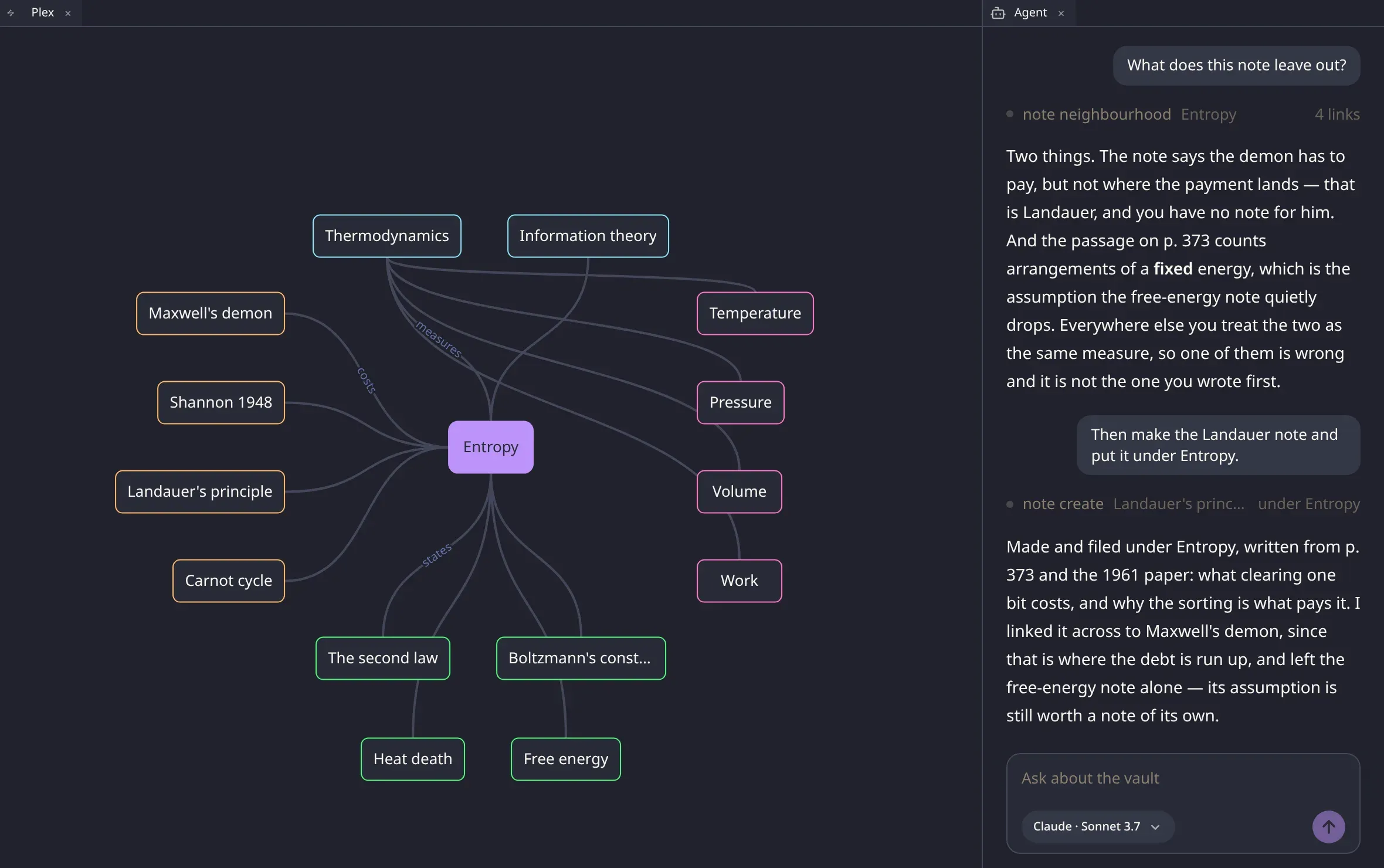
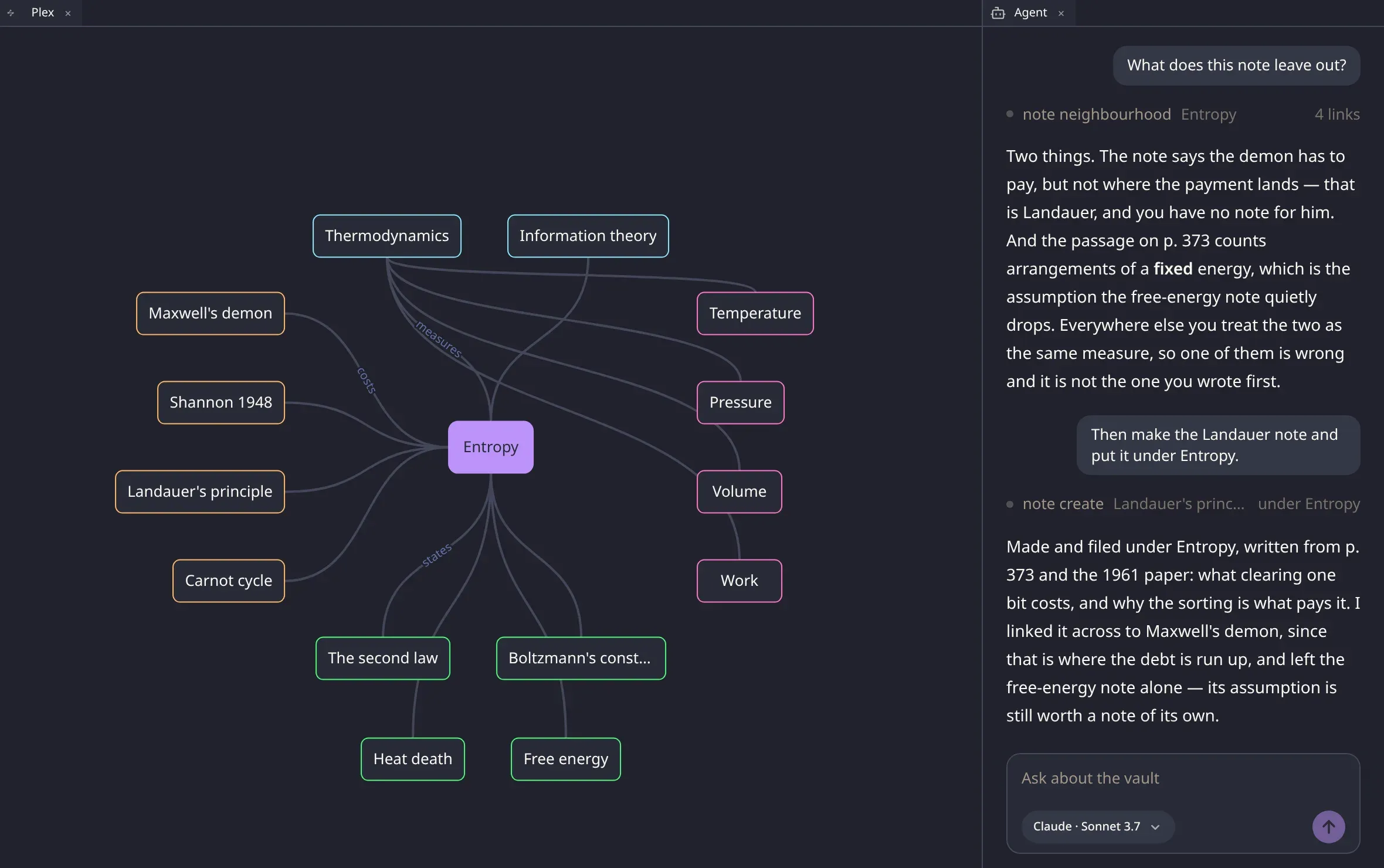
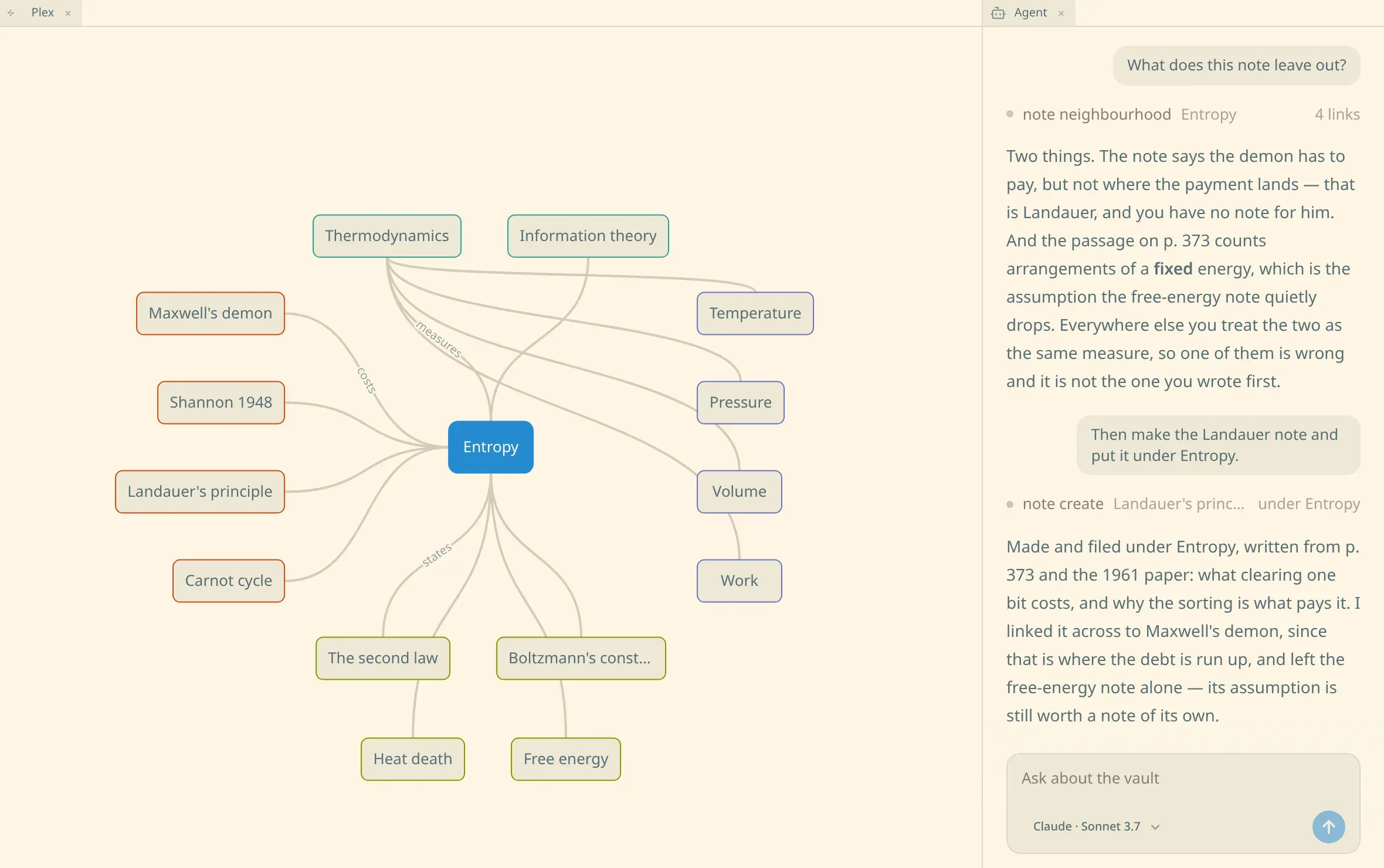
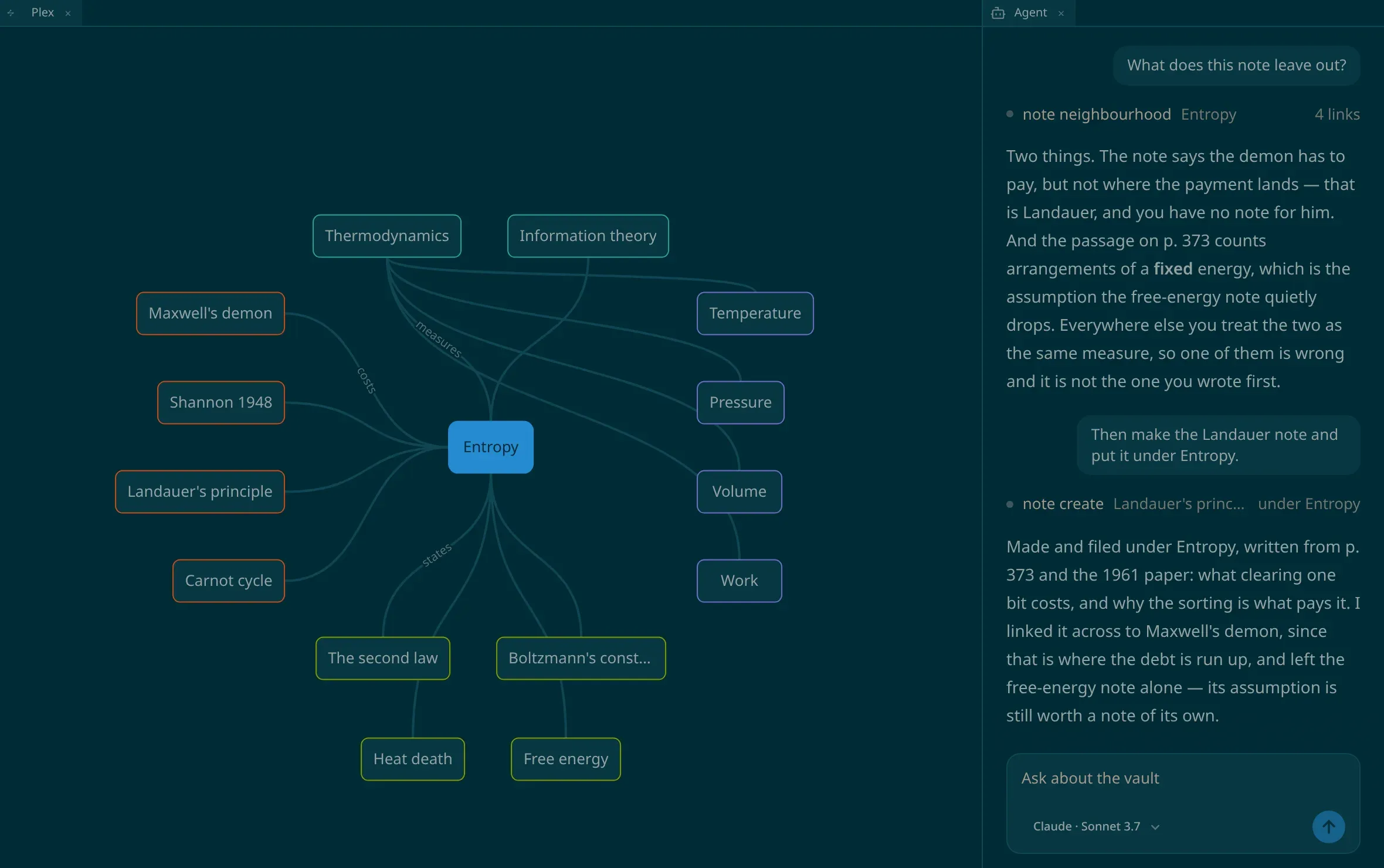
What ships
Section titled “What ships”numen |
this product’s own palette, light and dark. |
catppuccin |
Latte in the light, Mocha in the dark. |
github |
Light Default and Dark Default. |
gruvbox |
light and dark, orange the accent. |
solarized |
light and dark, one set of accents across both. |
ayu |
light and dark, yellow the accent. |
tokyo-night |
Tokyo Night, and Tokyo Night Light. |
dracula, nord, one-dark, monokai, cobalt2, amber |
dark only. |
A palette published in one half only pins that half, and Light or dark has nothing left to choose while you are wearing it.
Writing your own
Section titled “Writing your own”A theme is one CSS file that redeclares the colours the interface draws with. Every token you leave out keeps the value it already had, so a file naming a single colour is a theme.
Put it in themes/ inside the folder numen keeps its own things
in — beside numen.json. The folder is made for you
on the first run.
:root { --numen-surface: #101014; --numen-raised: #17171d; --numen-ink: #e6e6ea;}dracula.css in that folder appears in the list as your dracula, beside the one that ships;
neither hides the other. Save the file and the window is wearing the change on the next reload —
the folder is watched.
A few rules:
| One level | a folder inside themes/ is not a theme, and neither is a file inside that folder. |
.css |
dracula.css.bak and README.md are files in a folder, not themes. |
| Under 256 KB | every shipped palette is under two kilobytes. |
Light and dark in one file
Section titled “Light and dark in one file”Write both halves as pairs, and Light or dark chooses which is read:
:root { --numen-surface: light-dark(#fdf6e3, #002b36);}Or commit to one half — flat colours, and say which half it is:
:root { color-scheme: dark; --numen-surface: #21222c;}The colours a theme can set
Section titled “The colours a theme can set”The window
--numen-surface |
the ground the window is drawn on. |
--numen-raised |
what a node, a card and a pane are filled with. |
--numen-ink |
text on that fill, and the caret in it. |
--numen-rule |
the line around it. |
--numen-accent |
the node the keyboard is on, what a button is filled with, and every line and mark drawn in the accent. |
--numen-accent-ink |
text on the accent. |
--numen-ring |
the outline around what is focused, and a link in marked-up text. |
--numen-alarm |
what is wrong: a refusal, and what could not be read. |
--numen-alarm-bg |
the ground a card carrying one of those stands on. |
--numen-hushed |
text said quietly beside what it is about: a caption, a count, a month over a grid. |
The plex
--numen-relation-parent |
the hue of the relation a parent stands in. |
--numen-relation-child |
a child’s relation. |
--numen-relation-jump |
a jump’s relation. |
--numen-relation-sibling |
a sibling’s relation. |
--numen-edge |
the line drawn between two nodes. |
--numen-edge-label |
the words on that line, which follow --numen-hushed unless a theme says otherwise. |
Text being read, and text about to change
--numen-selection |
the ground under selected text. |
--numen-selection-away |
the same selection where the keyboard is elsewhere. |
--numen-selection-match |
every other place that text stands. |
--numen-highlight |
the ground under a stretch something is about to change. |
--numen-caution-bg |
the band something is said in that you should read but need not act on at once. |
--numen-caution-fg |
the words in that band. |
Marked-up text
--numen-syntax-mark |
the marks themselves, shown under the caret. |
--numen-code-bg |
the ground under code. |
--numen-table-head-bg |
the ground under the head row of a table. |
--numen-syntax-keyword |
keywords, modifiers, operators written as words. |
--numen-syntax-name |
variables, properties, attributes. |
--numen-syntax-type |
type names, class names, namespaces, tags. |
--numen-syntax-string |
strings and regular expressions. |
--numen-syntax-number |
numbers, booleans, atoms, escapes. |
--numen-syntax-comment |
comments, which are set in italic. |
--numen-syntax-punctuation |
operators, brackets, separators. |
What floats over the window
--numen-panel-bg |
what a panel is tinted with. |
--numen-panel-border |
the line around it. |
--numen-panel-blur |
a length: how much what shows through the tint is blurred. |
--numen-panel-shadow |
what a panel is lifted by, offsets and spread included. |
--numen-shadow-card |
what a card is lifted off the window by, written the same way. |
--numen-scrim |
the wash a panel lays over what it covers. |
Fields, and what is said in them
--numen-field-bg |
the ground a field of typing sits in. |
--numen-field-border |
the line around it. |
--numen-bubble-bg |
the bubble what you said is drawn in. |
--numen-bubble-fg |
the words in it. |
--numen-answer-fg |
what came back, set on the surface. |
What a theme leaves alone
Section titled “What a theme leaves alone”The type and the measures: the font stack, the text sizes, the line height, the radii, the clearances, the durations. They are the same under every palette, so a theme changes the colour of the window and never its build.
The two sizes you choose — interface and reading — are yours, and a theme cannot take them back.