
The plex
The plex is the shape of your links, drawn around one note at a time. It is not a picture of the whole vault: it is where you are, and everything one step away from you.
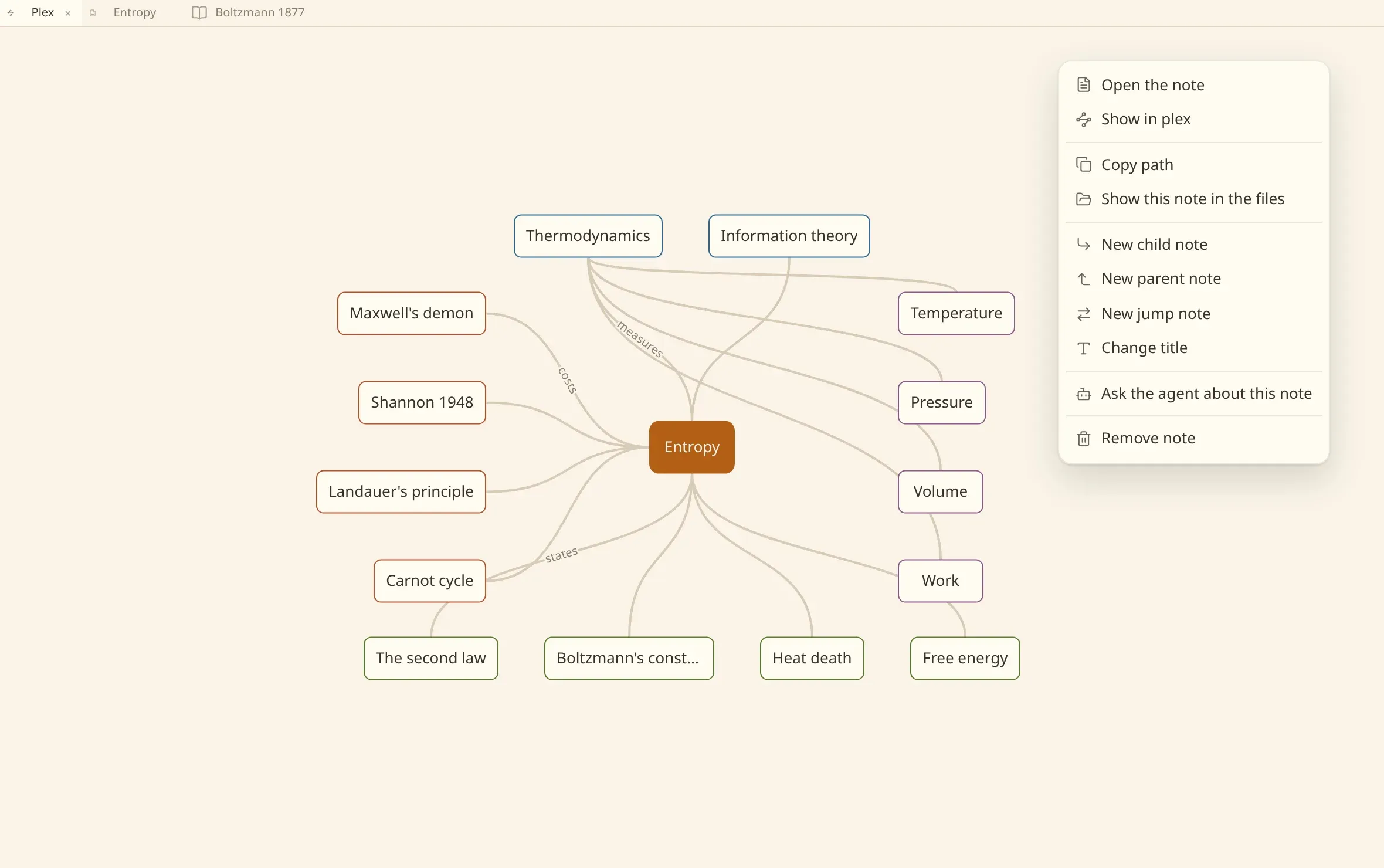
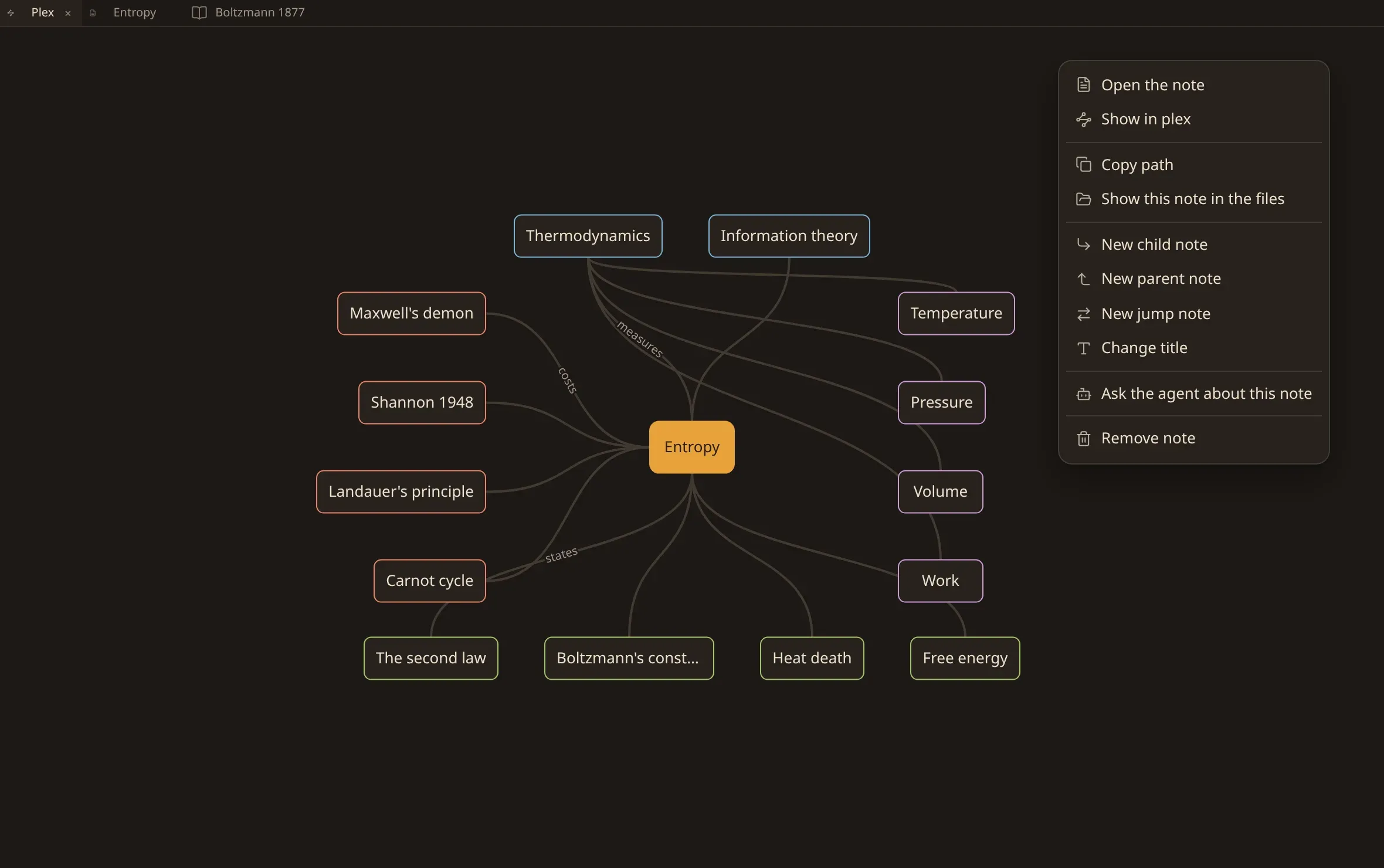
How it is laid out
Section titled “How it is laid out”The note you are on stands in the middle. Around it:
| above | its parents — what it hangs under. |
| below | its children. |
| to the left | its jumps, the links that cross the hierarchy. |
| to the right | its siblings — the other children of its parents. |
Walk one step and the map rearranges around where you arrived. What was a child above you is now the middle, with its own parents overhead.
Moving
Section titled “Moving”| Click a node | go there. It becomes the middle, and the plex is redrawn around it. |
| Double-click a node | open that note in a tab. |
| Alt double-click | open it in a pane beside the one you are in. |
| Enter or Space | go to the node the keyboard is on. |
| ⇧ Enter | open it. Hold Alt as well to open it beside. |
| Right-click, or ⇧ F10 | the node’s menu: everything the commands offer over a note. |
Show in plex on the note you are reading — or Ctrl/⌘ ⇧ P — brings the plex to that note.
What is inside a note
Section titled “What is inside a note”Leave the pointer on a node for a moment and the note’s headings come out from under the box — the sections of that note, each set in by how deep it sits under the ones above it.
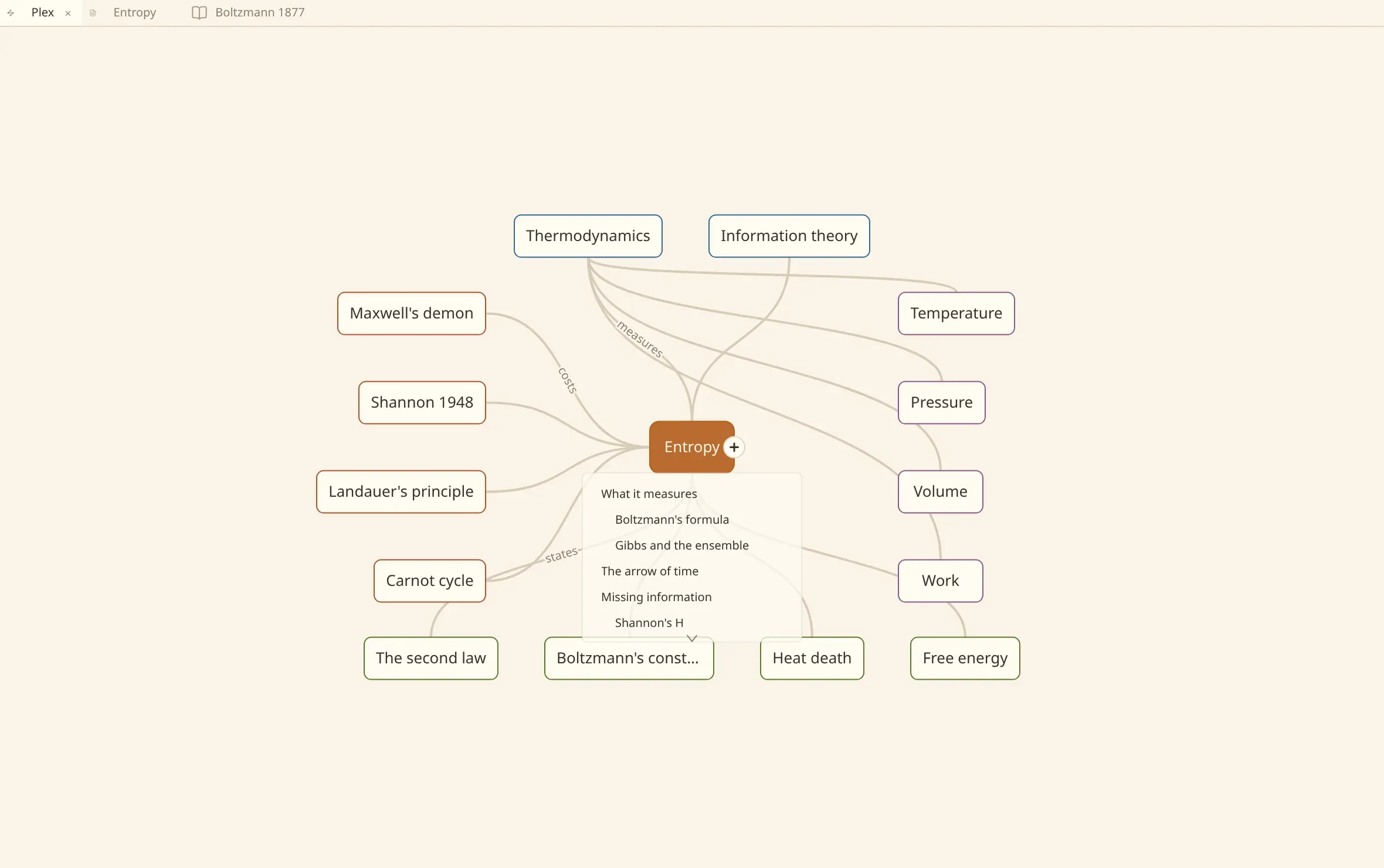
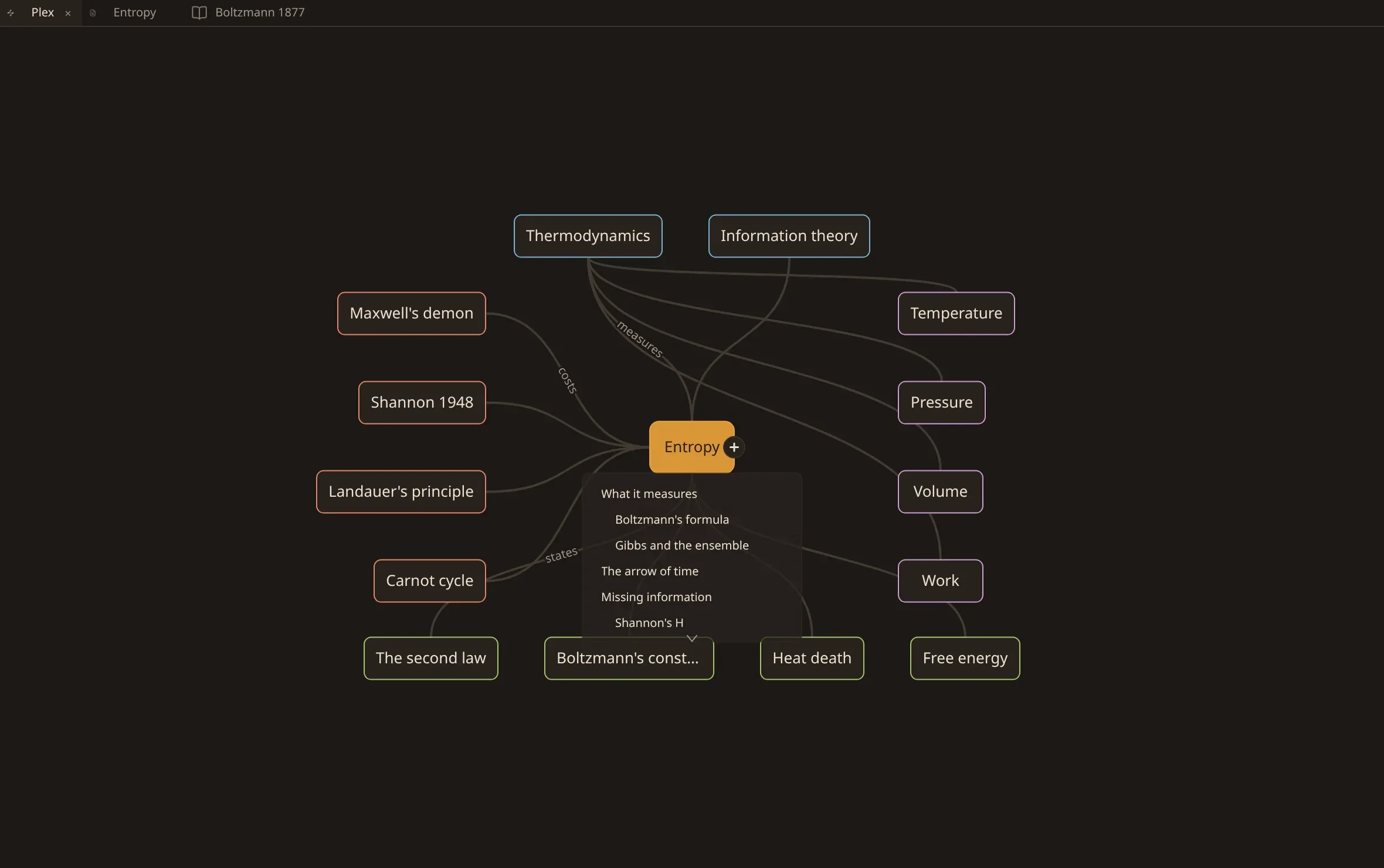
Click one and that note opens with the caret on the heading’s line. The map does not move. A heading is a place inside a note, not somewhere to travel to, so the plex stays on the note it was drawn around.
Six headings stand at once. Where a note has more, a small mark at the edge says so, and the wheel winds through the rest a heading at a time. A node near the foot of the window stands fewer, because that is what the room below it holds.
Move the pointer away and they go back under the box.
This is a thing for the hand. From the keyboard, search matches headings by name and opens the note at the one you choose.
Turn it off with Nest headings under notes in the commands, and a node is
its box alone. How many headings nest under a note sets how many stand at once, anywhere from one to
twelve. Both are in the settings as appearance.nest_headings_under_notes and
appearance.nested_heading_limit.
Building with it
Section titled “Building with it”Every node carries a small handle: a disc with a cross in it. Press it and pull away from the node, and a thread follows your hand. Let go where you want the new note, and it is made there — above the node it is a parent, below it is a child, to the side it is a jump.
The link and the note arrive together. There is no separate step where you go and connect them. Letting go on empty space opens a quick-link popover: pick an existing note to link to, or type a new title to create and link in one motion.
Clicking the handle rather than dragging it makes one more child — the thing most often wanted, and the one a trackpad can ask for without holding a button down. Enter on the handle does the same from the keyboard.
Escape in the middle of a drag calls it off and nothing is made.
Connecting two notes you already have
Section titled “Connecting two notes you already have”The same gesture, let go on another node instead of on empty space, connects the two rather than making a third. The direction you dragged in is the relationship: upwards it becomes a parent, downwards a child, to the side a jump.
Three directions make something, then. To the right is where siblings are drawn, and a sibling is not a link anybody writes — it is what two notes under one parent already are — so nothing is made there. Letting go on the node you started from does nothing either.
Notes carried over from the files tab land the same way: drop them into a relation and they are linked to the note that relation belongs to.
Reading the lines
Section titled “Reading the lines”A line between two nodes is a link. Where you gave the link a label, the label is written along the line, so the map says why two notes are connected and not only that they are.
Inspecting and changing links
Section titled “Inspecting and changing links”Right-clicking any connection line between two nodes opens the link inspector:
- Change direction: Cycle single link arrows between forward (
→), reverse (←), and undirected (—). - Add dual labels: Click + Reverse (or press Ctrl/⌘ Enter) to give the reverse direction its own distinct description.
- Delete links: Remove individual directions or remove the entire connection between the notes.
Saving the inspector updates the frontmatter links: block in the notes.