
Settings
Settings in the commands opens a page over the file: the settings a person configures, each with a control, grouped by the part of the application it governs. The rest of the file — what a model is fetched from, how a page is rendered before OCR reads it, how a proofreader is reached — is edited in the file itself.
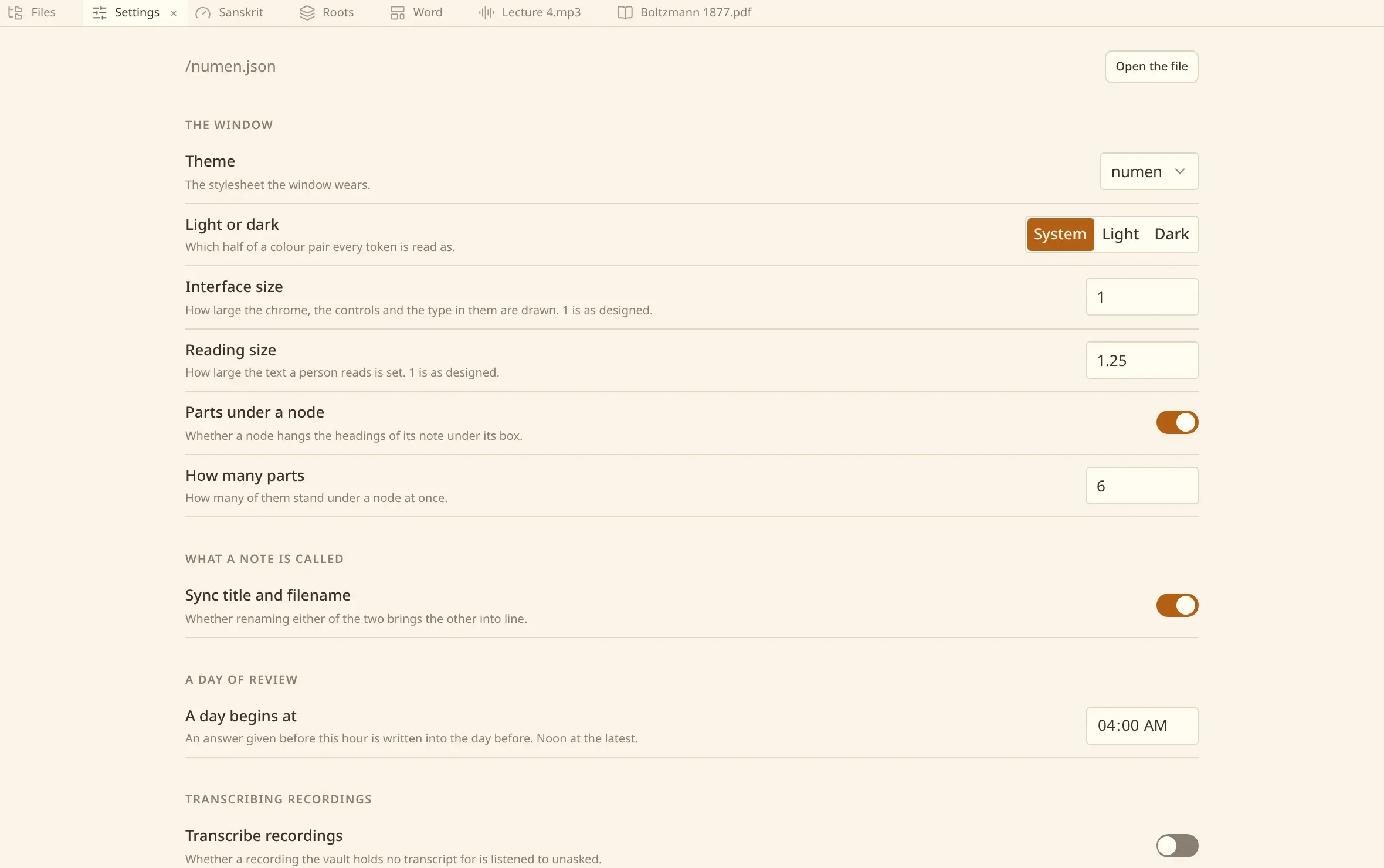
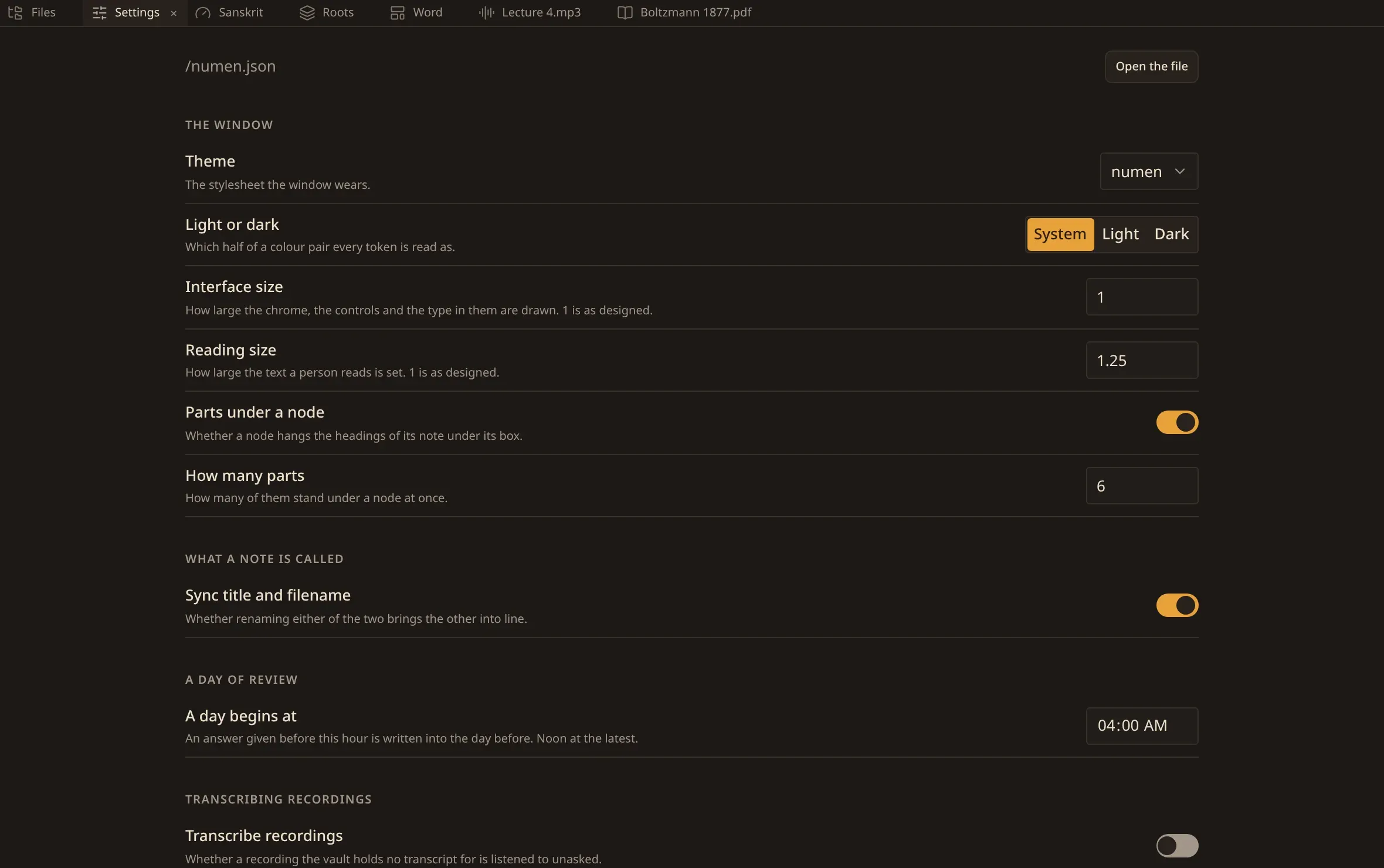
Turning a control writes it down. There is no separate save, and nothing is applied later: a theme chosen here is worn before your hand leaves the mouse.
At the head of the page is the path of the file the page is a face onto, and Open the file beside it — see the file itself.
The groups
Section titled “The groups”| The window | the theme, light or dark, the two sizes, and what a node on the map hangs. |
| What a note is called | whether renaming a note renames its file, and the other way round. |
| A day of review | the hour a day of cards begins at. |
| Transcribing recordings | whether recordings are listened to unasked, how large one may be, and what corrects the transcript afterwards. |
| OCR | which model reads a scanned page, and what corrects the text afterwards. |
| Indexing | the model your notes are turned into vectors by, for search by meaning. |
| The agent | which assistant answers, its model, how far it may go, and what it may reach. |
The window
Section titled “The window”| Theme | the stylesheet the window wears, in two origins: the ones that ship with numen, and yours. See themes. |
| Light or dark | follow the system, or pin one. A theme that declares light and dark itself leaves nothing to choose here, and the control says so. |
| Interface size | how large the chrome, the controls and the type in them are drawn. 1 is as designed. |
| Reading size | how large the text you read is set, over the size above. |
| Nest headings under notes | whether a node on the map brings out the note’s headings. See the plex. |
| How many headings | how many of those headings stand at once, from one to twelve. |
The two sizes are multipliers over what was designed. The interface goes from 0.8 to 2 and the text you read from 0.8 to 1.75; hairlines, borders and focus rings stay one physical line under either. A number outside those bounds is refused, said out loud, and left in the file exactly as you wrote it.
A day of review
Section titled “A day of review”A day begins at is the hour an answer stops counting for yesterday and starts counting for today — four in the morning unless you say otherwise, and noon at the latest. It is a fact about your clock rather than about a subject, which is why it is here and not in a preset.
Models
Section titled “Models”OCR model, Embedding model and The agent’s model are lists rather than fields. What the file holds is always on the list and always the one in force; what this build offers stands beside it, and a model reached over the network can be typed in.
A model that runs on your own machine says underneath whether its files are on this machine or not fetched yet. Nothing is downloaded until the work that needs it is asked for.
Proofreading
Section titled “Proofreading”numen produces two texts with a model, and each can be corrected afterwards by another: the text OCR reads off a scanned page, and the transcript of a recording. Each names a profile — a way of reaching a proofreader, under a name you choose — and each offers Nothing, which is what a fresh installation is set to and what asks for no key and no network.
The switch under each says whether it happens by itself, as soon as the text is made. Off, you ask for it by hand on the book or the recording in front of you.
The profiles themselves are written in the file, under indexing.proofreading.profiles — see correcting what OCR read.
The agent
Section titled “The agent”| Which agent answers | the program the panel asks. Nothing answers where none is named. |
| The agent’s model | which of that program’s models answers. |
| Steps in a turn | how many times it may act before it has to answer. |
| MCP server | whether this vault’s tools are served over MCP, so another program can reach them. See connect another agent. |
| Read hooks and skills | whether it reads the hooks and skills this machine is set up with. See the agent. |
In the commands
Section titled “In the commands”Some of the same settings are in the commands as well — Ctrl/⌘ P, under This window: Change the theme, Light or dark, Interface size, Reading font size, Sync title and filename, Nest headings under notes, How many headings nest under a note.
A row on the page and the command of the same name go through one piece of code, so it makes no difference which you use.
The file
Section titled “The file”Every setting stands in one file, numen.json, in the folder numen keeps its own things in. Open the file at the top of the settings page opens it in a tab of its own, drawn as the JSON it is. Unlike a note it is not written as you type: Ctrl/⌘ S keeps it, which is the chord a note is kept by.
A file changed underneath the tab stops saving there and then and asks the same two questions a note does: keep mine, or take the file’s. What you typed that is not settings this build can read is refused, and the tab says so rather than writing it.
It is yours to edit. Fields you leave out keep their defaults, so a file naming one setting is a complete file. Keys numen does not know are carried through untouched, and a file that does not parse is never written over — numen says so and leaves it alone.
{ "appearance": { "mode": "system", "theme": "preset:numen", "interface_scale": 1, "text_scale": 1, "nest_headings_under_notes": true, "nested_heading_limit": 6 }}What is in it
Section titled “What is in it”appearance |
how the window is drawn: the theme, which half of it, the two sizes, and what a node hangs. |
indexing.embedding |
the model that reads your notes so they can be found by meaning. See search by meaning. |
indexing.recognition |
how a scanned book is read, and what corrects that text. See reading scanned books. |
indexing.proofreading |
the profiles those corrections are made at, and nothing by default. |
indexing.transcription |
how a recording is listened to, and what corrects the transcript. See recordings. |
indexing.transcribe_recordings |
whether a recording numen holds no transcript for is listened to unasked, and how large one may be. |
review |
the hour a day of review begins at. Everything else about review is a preset in the vault. |
agent |
which assistant answers in the panel, and how it is started. See the agent. |
naming |
whether a note’s title and its filename are kept as one name. See writing notes. |
Every setting is the complete list, taken from the application itself.
A key never written back into this file is a key to a service: name the environment variable it is read from, and it stays out of your files.