
Recordings
A vault holds recordings the way it holds books: a lecture you taped, a conversation, a voice note. A recording says nothing until a model has listened to it, and the listening happens here, on your machine — nothing is uploaded and no account is involved.
A file is a recording by its name: .mp3, .wav and .flac are the containers numen walks as recordings, plays, and listens to. Anything else in the folder is a file like any other.
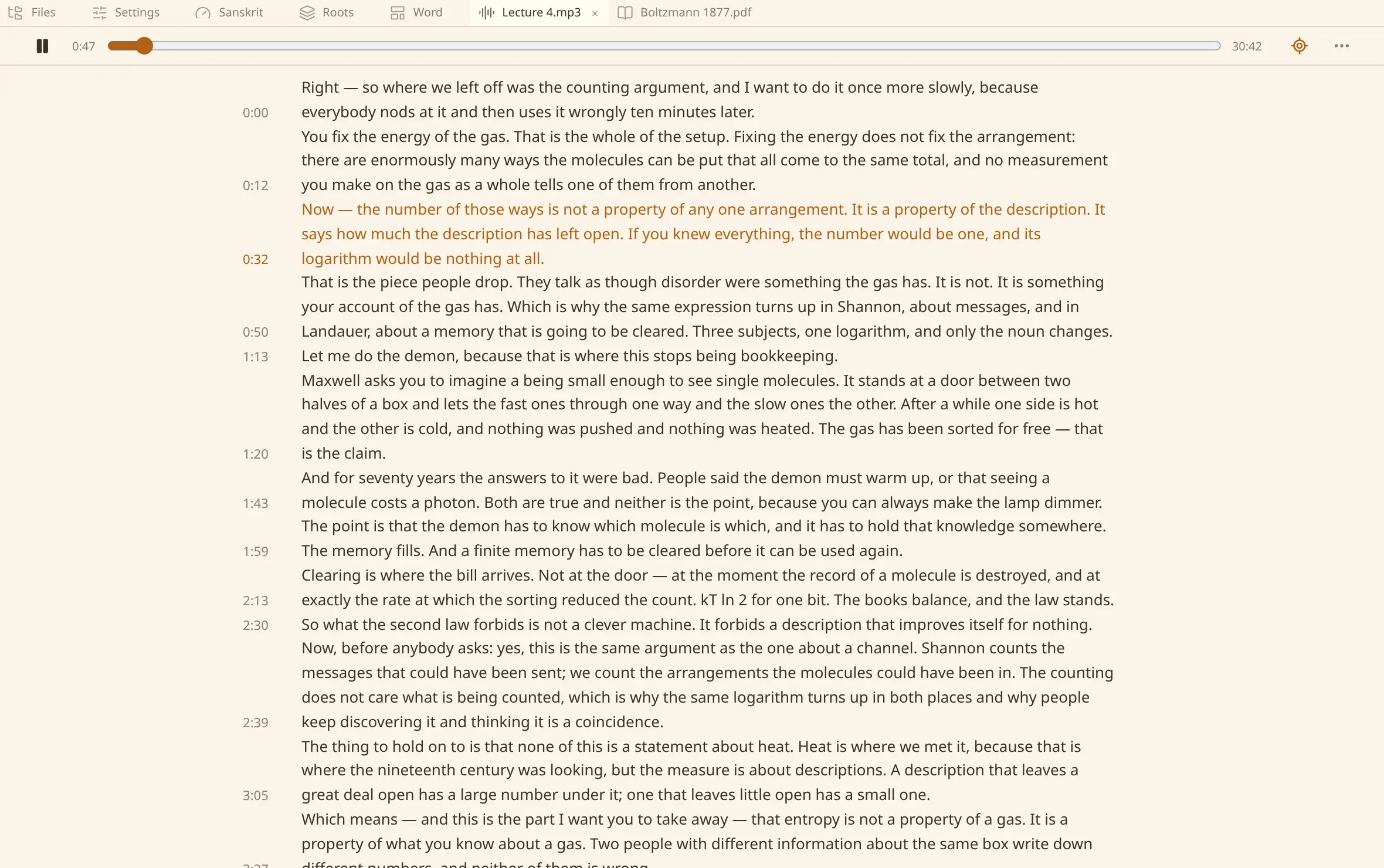
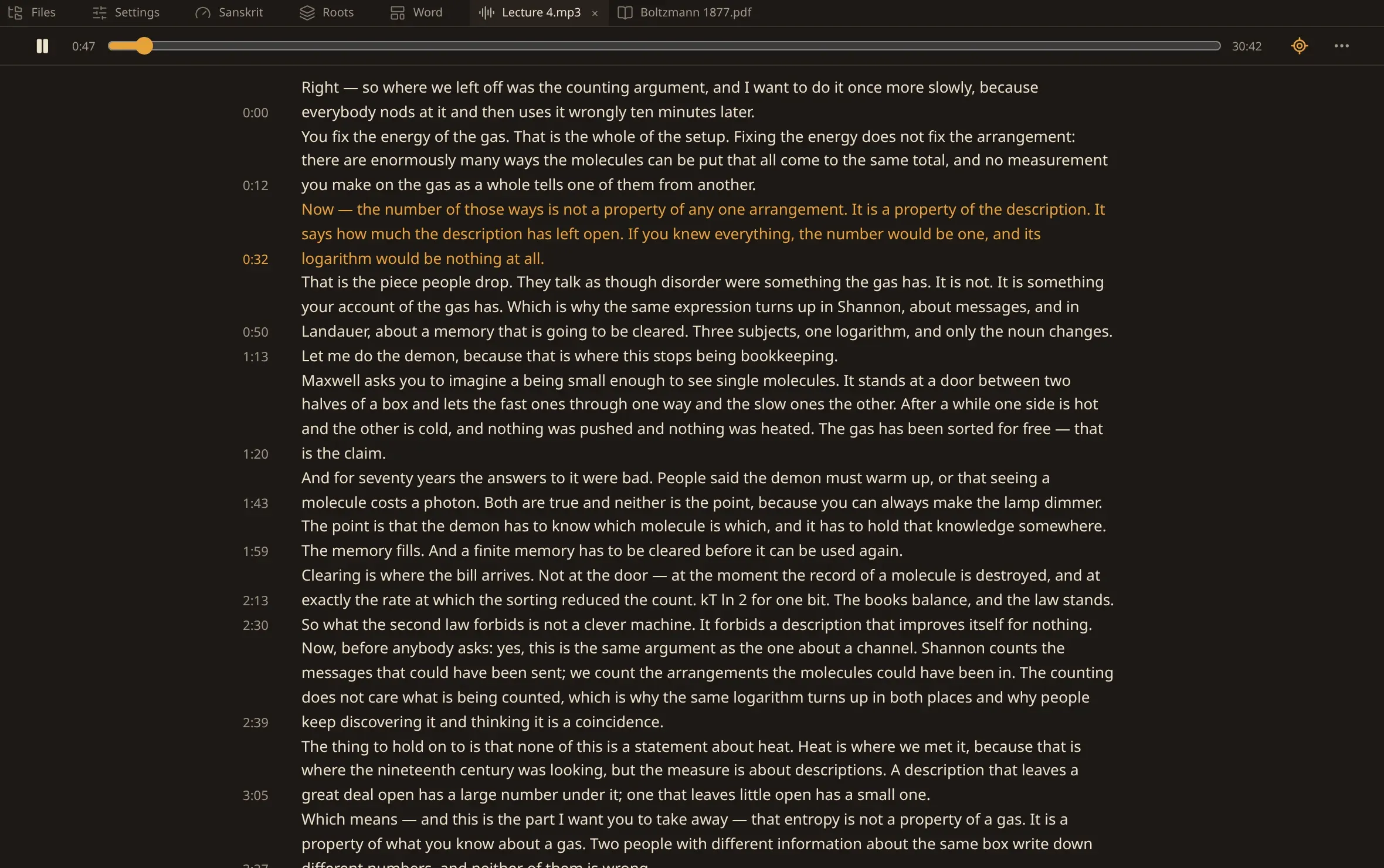
Opening one
Section titled “Opening one”A recording opens in a tab of its own: the player at the top, and under it the transcript written as one text.
The time in the gutter beside a line is where that line was said. Press it and the recording plays from there. The line being said is drawn in the accent as it goes, and the button beside the player decides whether the view follows it or stays where you put it.
Asking for a transcript
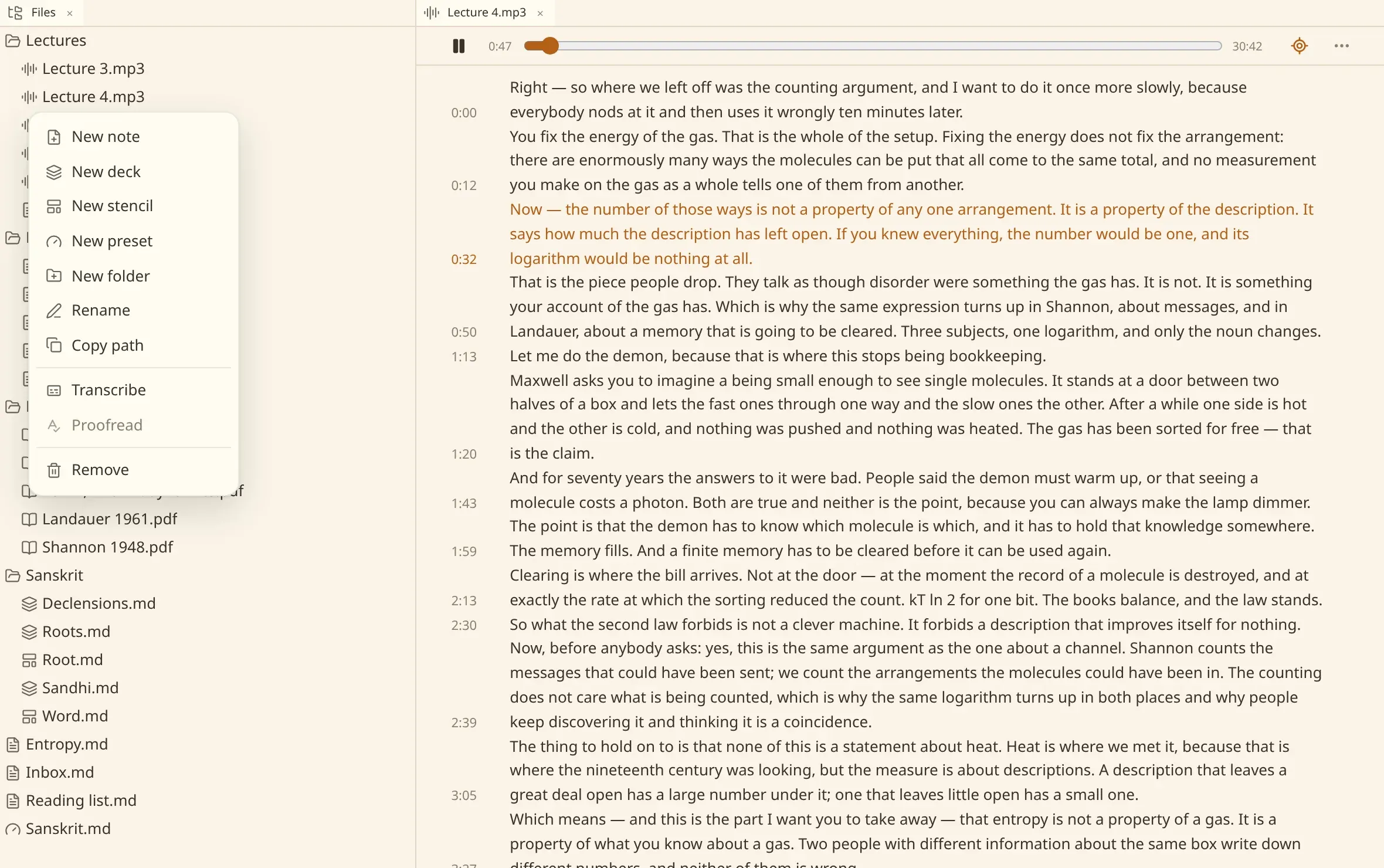
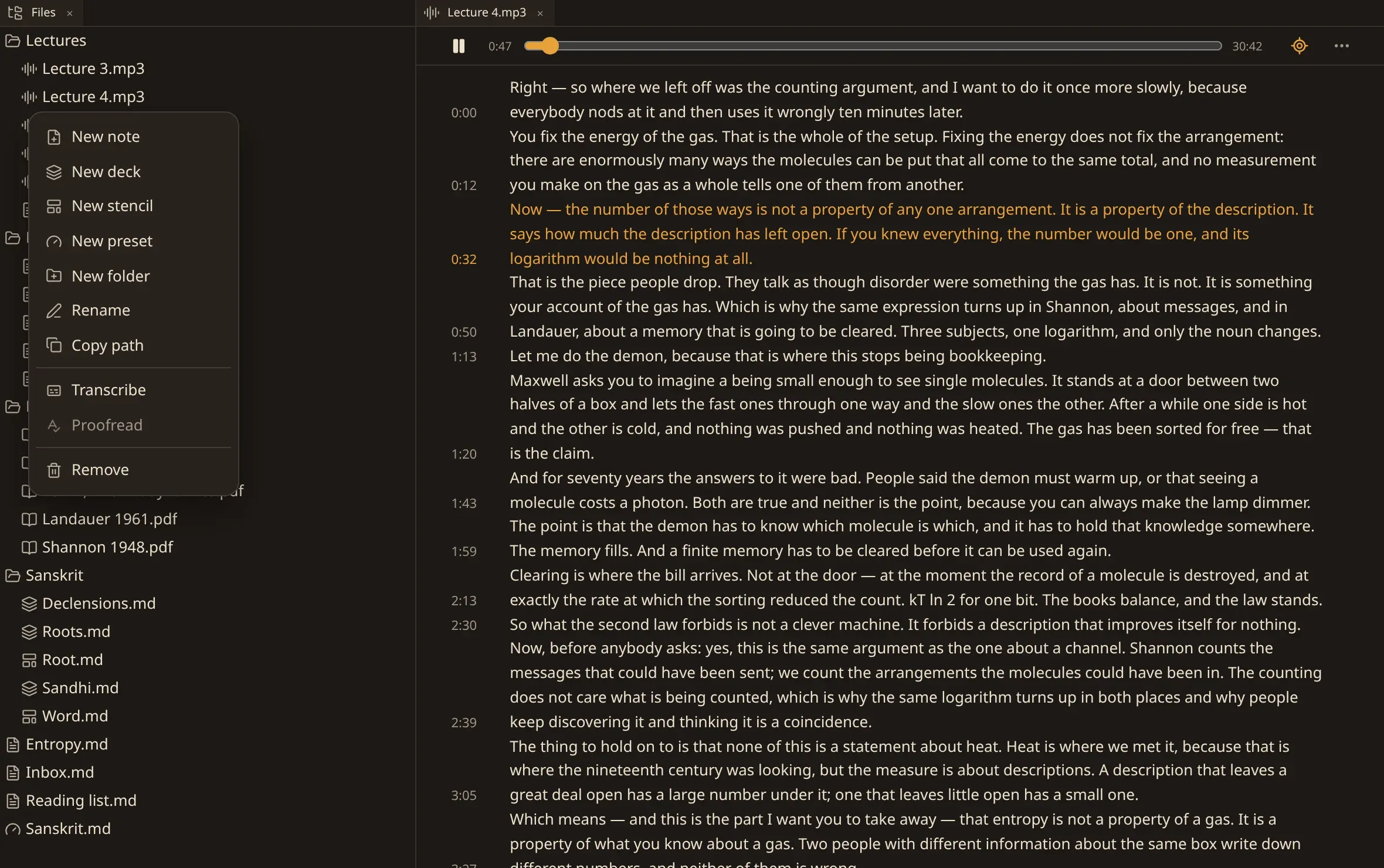
Section titled “Asking for a transcript”Right-click a recording in the files and choose Transcribe. With one open, More at the end of the player strip offers the same run, and so does Transcribe this recording in the commands, under This file.
A recording numen holds no transcript for offers the same run in its own tab, under the player, where there would otherwise be words.
The words arrive while the run goes, so a long talk becomes searchable before it is finished.
Without being asked
Section titled “Without being asked”numen also finds recordings by itself. The background scan that keeps the index up to date treats a recording with no transcript as work to be done, and does one at a time.
Two settings decide how much of that it does. transcribe_recordings turns it off for an installation that would rather ask by hand; transcribe_under_mb is the size above which a recording is left alone — a folder of albums is days of a machine, and nobody put them in a vault to be read.
Recognising a scanned book and listening to a recording use the same models and the same processor, so they take turns: whichever has the turn keeps it until it ends.
When nothing comes back
Section titled “When nothing comes back”Every ending is written down, and only one of them means try again later.
| Nothing to hear | Silence and music are answers. The recording is not offered again. |
| The file will not open | A container nothing here decodes, or bytes that are not what they claim. |
| Somebody else holds it | One run to a recording. This one means come back later. |
A recording that answered “nothing to hear” or “the file will not open” is not offered to the queue again. Asking for it by name is how it is tried once more — on the row, or with --again on the command line.
Editing the words
Section titled “Editing the words”A transcript is yours to correct. Type into it and it is written back against the recording, the way a note is written back — there is no separate save. A run holding the recording writes over nothing you typed: the words are read-only while it goes.
Proofreading the transcript
Section titled “Proofreading the transcript”A model that hears misspells a name, takes one word for its homophone, and has no way of knowing where a sentence ends. A proofreader goes over the words afterwards for exactly that, and for nothing else: what was actually said is not rewritten into something better.
Proofread transcript is in the More menu at the end of the player strip, and Proofread the transcript of this recording is in the commands. Pressing it always answers in a sentence — the run has begun, or the transcript has already been put right, or the words were written by hand, or another run holds the recording, or nothing has been transcribed yet.
It is offered only where you have named a profile to proofread speech at: Proofreading a transcript on the settings page, which is indexing.transcription.proofread.with in the file. Naming none — which is what a fresh installation has — means a transcript is used exactly as it was heard, with no key and no network. Proofread every transcript does it as each one is made, without being asked.
A profile is written the same way whichever text it corrects, and both settings choose from the same list: see correcting what OCR read.
The corrected words go beside the transcript rather than over it. What the model heard stays on disk under its own name.
Deleting the transcript
Section titled “Deleting the transcript”Delete transcript is in the same More menu, and in the commands. It takes away the words, what you or a proofreader put right, the record of what listened, and the answer saying why there will never be a transcript — leaving a recording nothing has listened to, which is then transcribed again like any other.
It asks first, and a recording a run is listening to is refused until that run ends. This is what you want after changing the model: the old words are worth nothing once something else is doing the hearing.
Where it is kept
Section titled “Where it is kept”The transcript is a WebVTT file in the vault’s own .numen/ folder, named after the bytes of the recording. Move or rename the recording and its transcript follows it; keep two copies of one recording and they share it.
WebVTT is somebody else’s format, which is the whole of its appeal: it opens in a player, it renders as subtitles in a browser, and it is still useful if you take it somewhere numen has never been.
From a terminal
Section titled “From a terminal”The command line does the same run without a window, which is what you want for a folder you would rather leave going overnight:
numen-cli transcribe Research "Lectures/Lecture 4.mp3"--again listens to a recording that already has a transcript.
Finding a moment
Section titled “Finding a moment”A recording answers searches like anything else, and a result opens it at the second the words were said rather than at the top. Ask the agent about a lecture and it reads the transcript, quotes it into a note, and can put the moment in front of you.
Everything here is transcription in the settings file. The complete list is on every setting.