
Books and PDFs
A vault holds more than notes. PDFs and EPUBs sitting in the folder are read as documents: their text is searched along with everything else, and a result opens the book at the page the words are on.
Reading a PDF
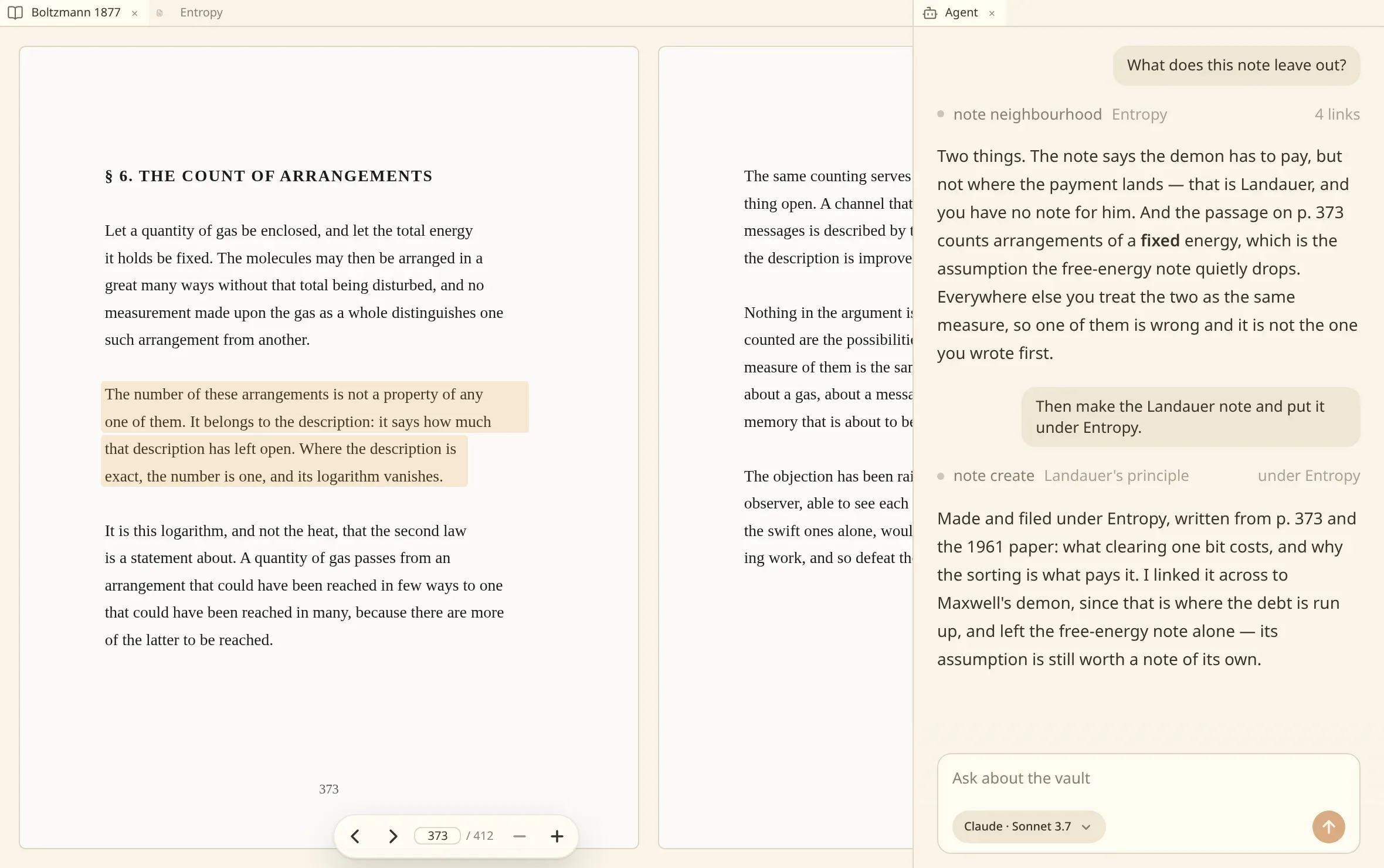
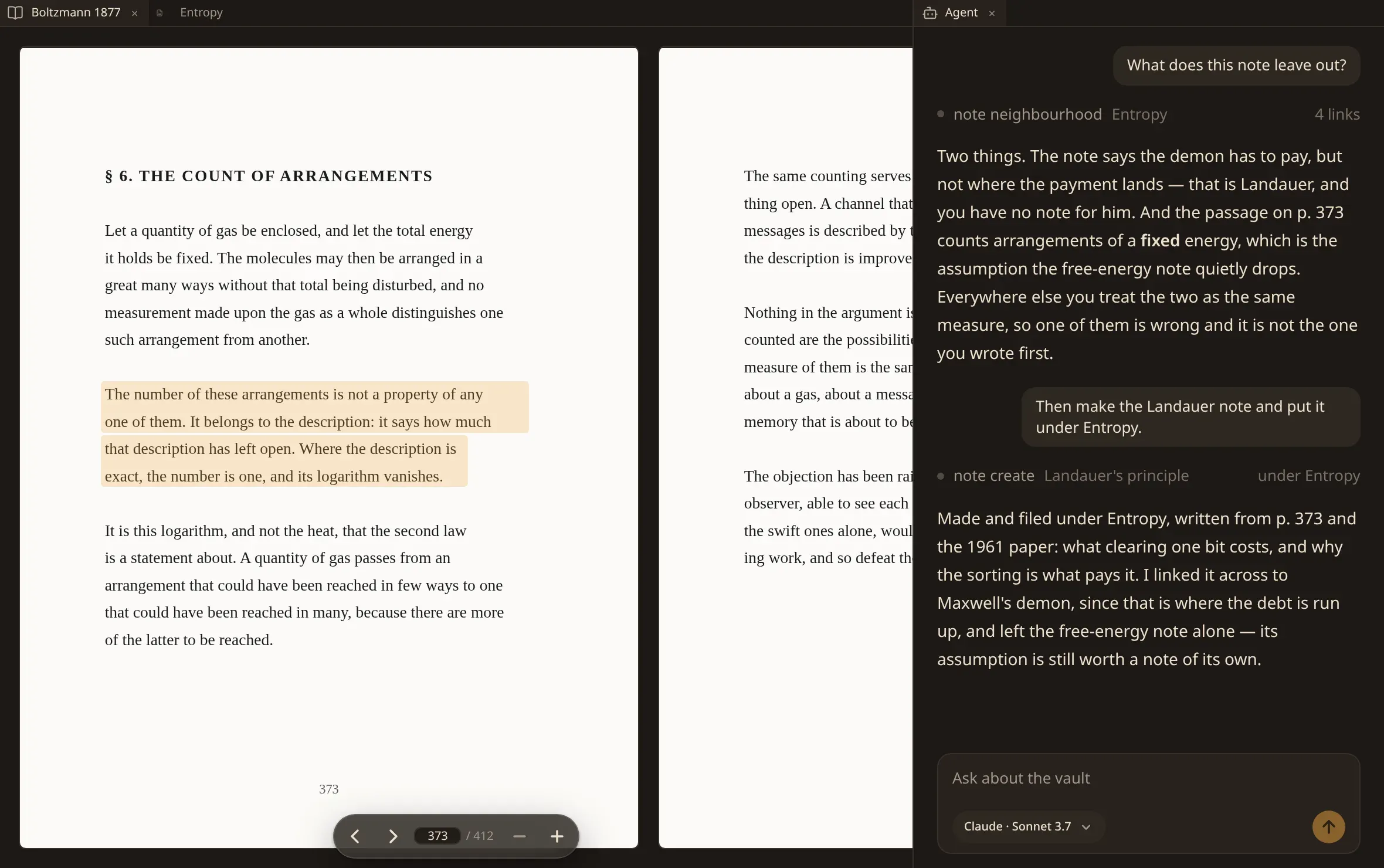
Section titled “Reading a PDF”Open a document in a tab as you would a note. It opens at the page a search sent you to, and the passage that matched is shown where it stands on the page — in the book, not lifted out of it.
Page numbers are positions in the file.
The controls float over the page rather than taking a strip of the window for themselves: back and forward a page, the number of the page you are on — type another and press Enter to go there — and closer and further. The page starts at the size that fits the room, each press draws it a quarter larger, and six times that is as close as it goes.
Reading an EPUB
Section titled “Reading an EPUB”An EPUB has no pages of its own. It is set afresh in the pane you read it in — one column where the pane is narrow, two where it is wide — and turned a page at a time by the arrow keys, by a swipe, or by pressing near either edge. It is never scrolled.
The book is set in numen’s own typography, in the theme you are reading in, and the two size buttons set the text rather than magnifying a picture. Setting it larger sets the columns again, and the place you were reading stays in front of you: where you are in a book is a place in its text, not a page number, so it survives the pane being dragged and the text being resized.
The contents list what the book names. A book that names nothing — and many do — is listed by the pages of the printed edition it was set from, or failing those by its own chapters as the file holds them, so there is always somewhere to jump to.
Where a book carries the page breaks of the printed edition it was set from, those are shown as that edition’s page numbers. They are the printed book’s, and separate from the count of pages the window is showing you, which changes with the size of the pane and the size of the text.
Two kinds of EPUB are not read. One whose text is locked by DRM is refused rather than indexed as gibberish — a book whose fonts alone are scrambled is fine. One laid out as fixed pages, the way a comic or a picture book is, says so instead of being reflowed into nonsense.
Scanned books
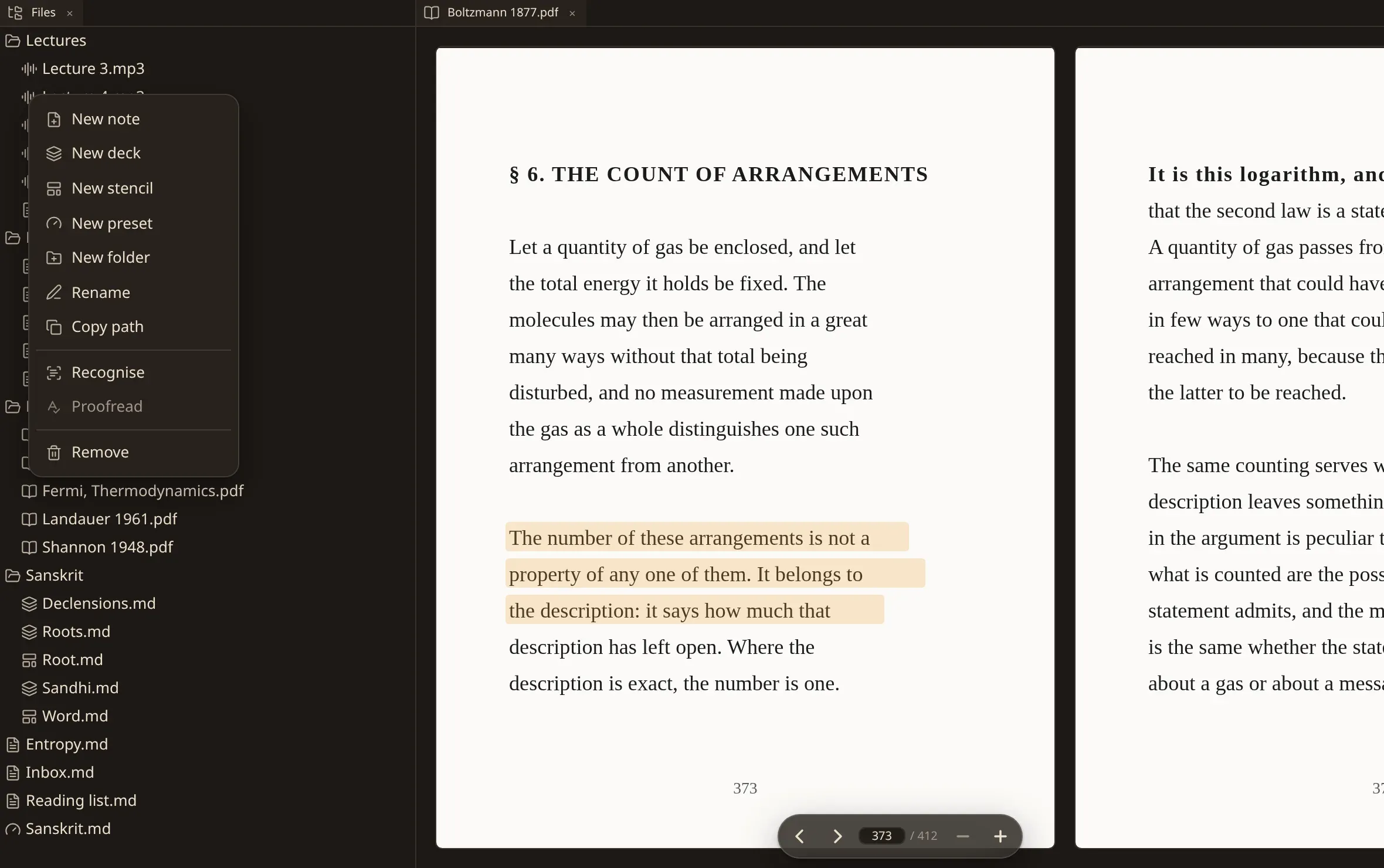
Section titled “Scanned books”A book that is scans of paper carries no text to read. Right-click it in the files and choose Recognise, and the pages are read here on your machine: nothing is uploaded, no account is involved.
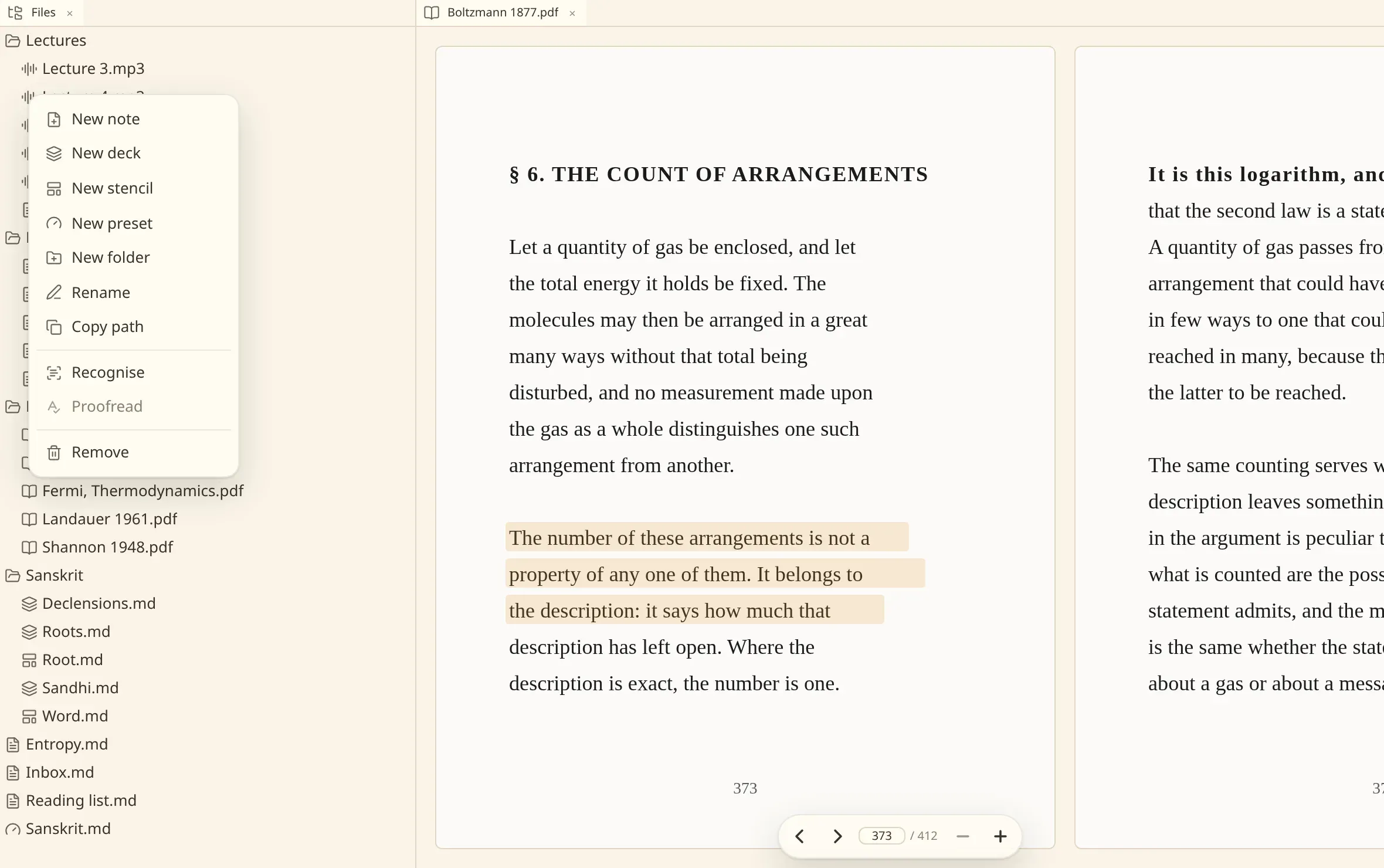
Recognise the text of this document in the commands does the same for the book in front of you, and so does asking the agent to read it.
It runs behind the window and shows its progress in the corner. The book answers searches over the pages already read while the rest are still being read, so a long book becomes useful before it is finished.
What comes out is kept inside the vault’s own .numen/ folder, named after the bytes of the
document. Move or rename the book and its recognition follows it; keep two copies of the same book
in a vault and they share one recognition.
Quoting into a note
Section titled “Quoting into a note”The agent can read a run of a document’s text and write it into a note. It can also put a passage in front of you — the document opens at that page, at the words in question.