
Commands
Ctrl/⌘ P opens the commands. Type to narrow the list, ↑ ↓ to walk it, Enter to run what is highlighted.
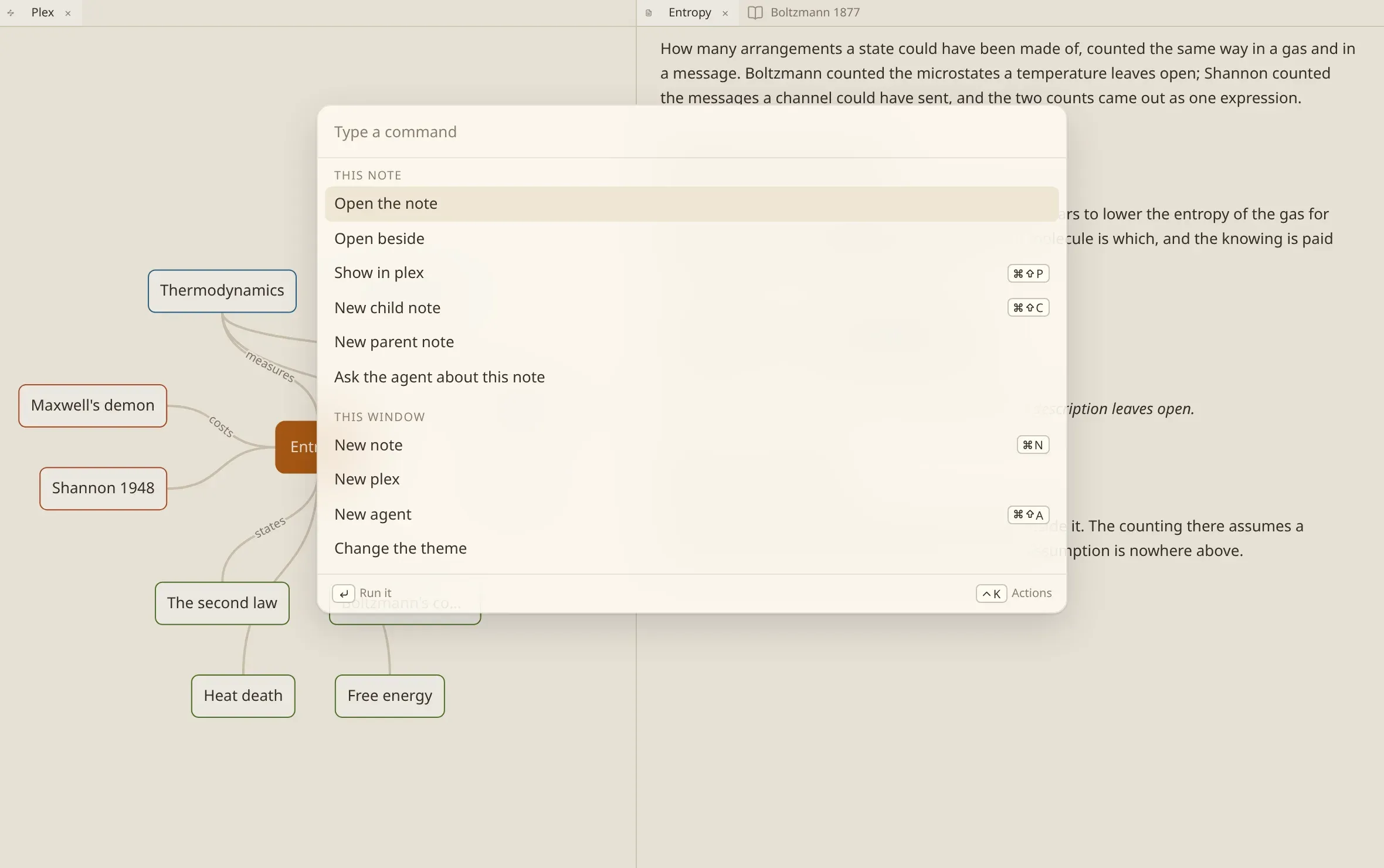
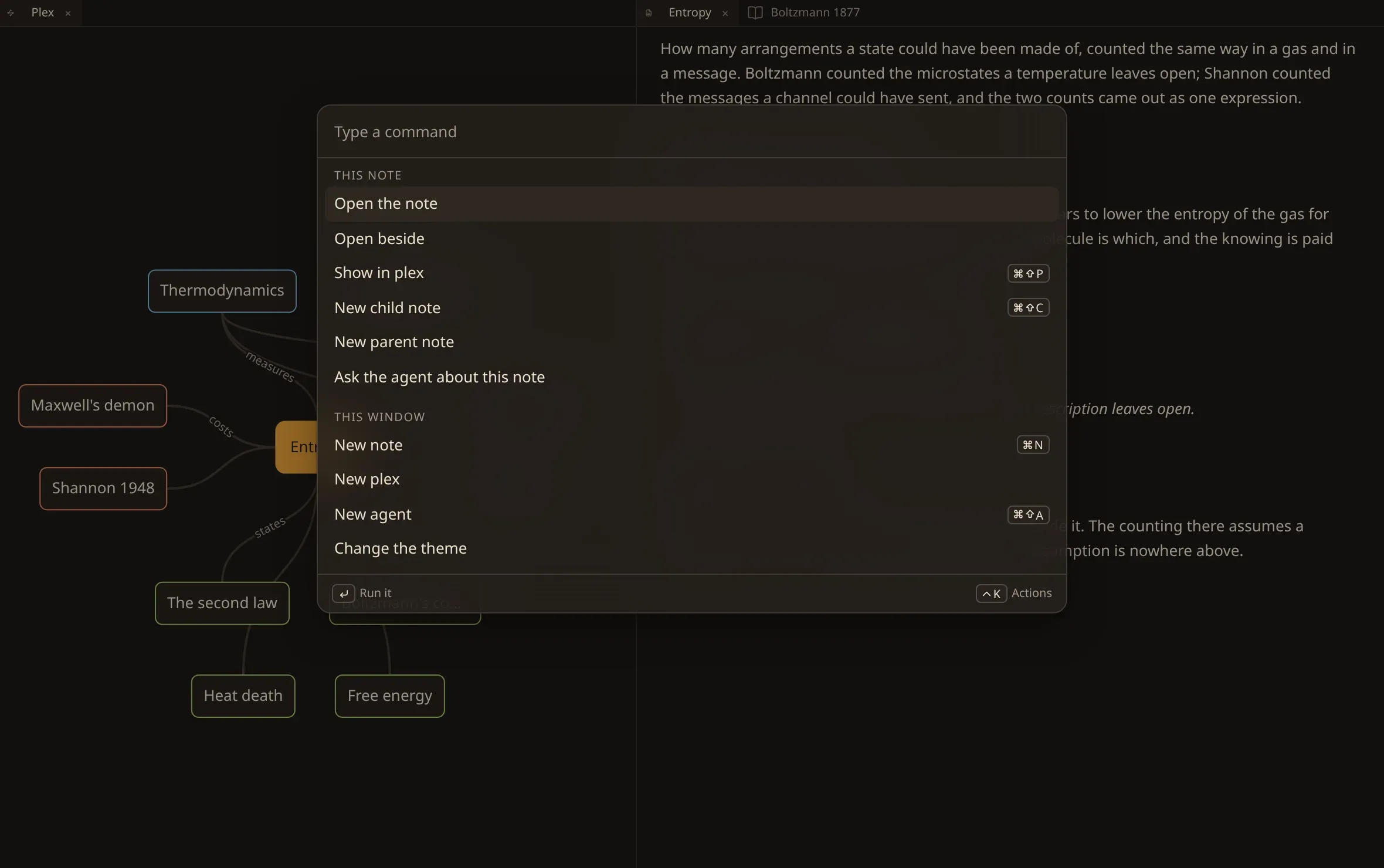
The same list is on a node in the plex: right-click one, or press ⇧
F10 on it, and what you get is the commands over that note.
What a command asks for
Section titled “What a command asks for”A command that needs something asks for it in the same panel, one step at a time — a name to call a note, a note to go to, a vault to open, a value to choose. Backspace in the empty field steps back, Escape leaves.
Some ask you to confirm rather than to type: removing a vault says the folder stays, deleting the transcript of a recording says the words go and it can be transcribed again. Destroying a note and erasing a vault make you type the name first.
The bands say what a command acts on: this note, this file — the runs a recording or a scan carries — this window, and this vault.
A command that cannot act on what is in front of you stays on the list and says why — nothing in front of you is a note, the vault is still being read — rather than quietly disappearing.
Every command
Section titled “Every command”This note
Section titled “This note”| Open the note | |
| Open beside | |
| Show in plex | Ctrl/⌘ ⇧ P |
| New child note | Ctrl/⌘ ⇧ C |
| New parent note | |
| New jump note | |
| Change title | |
| Remove note | |
| Destroy note | |
| Ask the agent | |
| Copy path | |
| Show this note in the files | |
| Open the preset |
This file
Section titled “This file”| Transcribe this recording | |
| Recognise the text of this document | |
| Download the text again | |
| Download a copy | |
| Proofread the transcript of this recording | |
| Delete the transcript of this recording | |
| Delete the copy on this disk |
This window
Section titled “This window”| New note | Ctrl/⌘ N |
| New deck | |
| New stencil | |
| New preset | |
| Import an address | |
| New plex | Ctrl/⌘ ⇧ X |
| Show the files of the vault | |
| New agent | Ctrl/⌘ ⇧ A |
| Close this tab | Ctrl/⌘ ⇧ W |
| Search the vault | Ctrl/⌘ K |
| Change the theme | |
| Light or dark | |
| Interface size | |
| Reading font size | |
| Sync title and filename | |
| Nest headings under notes | |
| How many headings nest under a note | |
| Set performance profile | |
| Set indexing model | |
| Settings |
This vault
Section titled “This vault”| Go to the note the vault opens with | |
| Go to a note | Ctrl/⌘ G |
| Open vault | |
| New vault | Ctrl/⌘ ⇧ N |
| Rename vault | |
| Remove from list | |
| Erase vault |