
Window and tabs
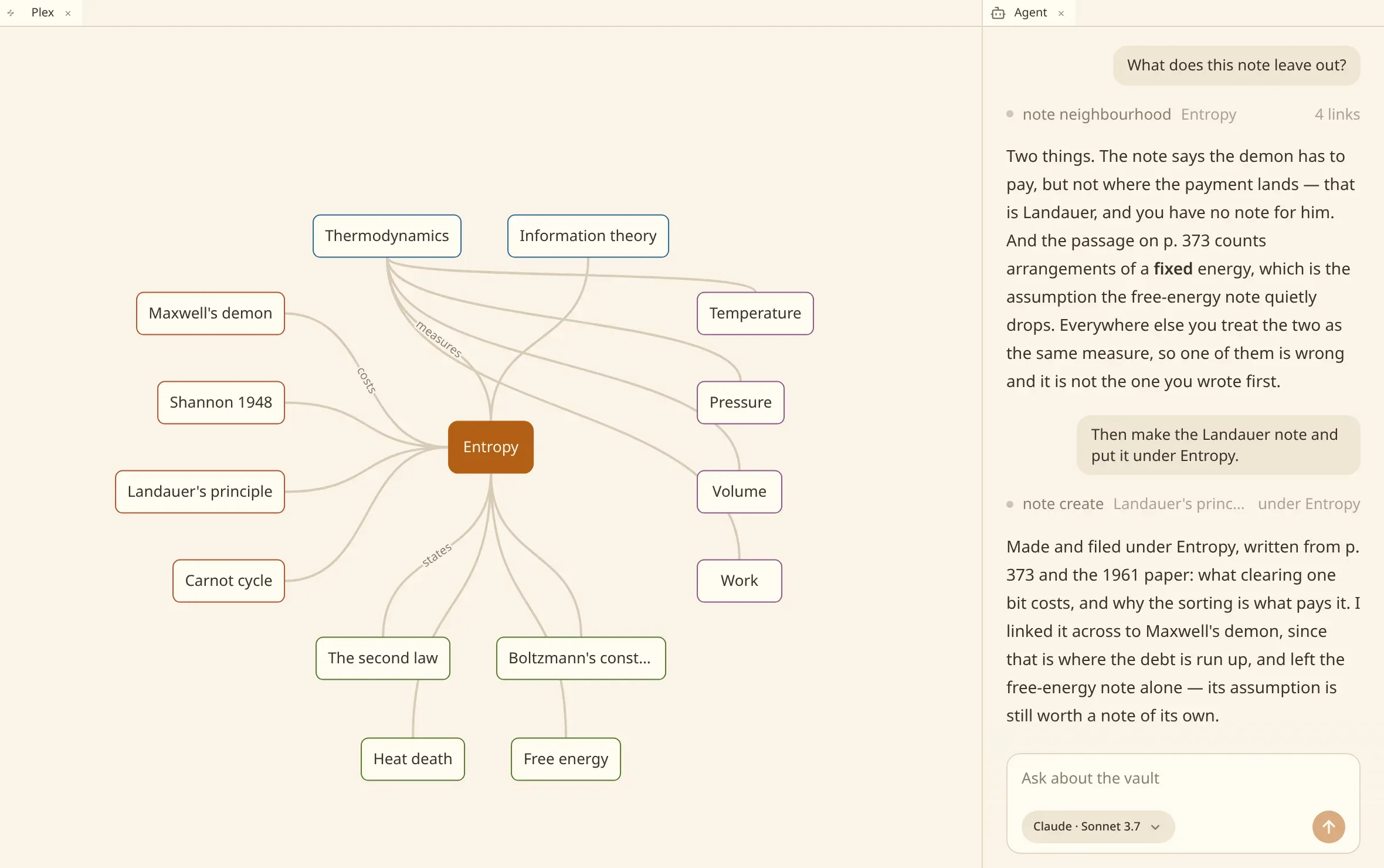
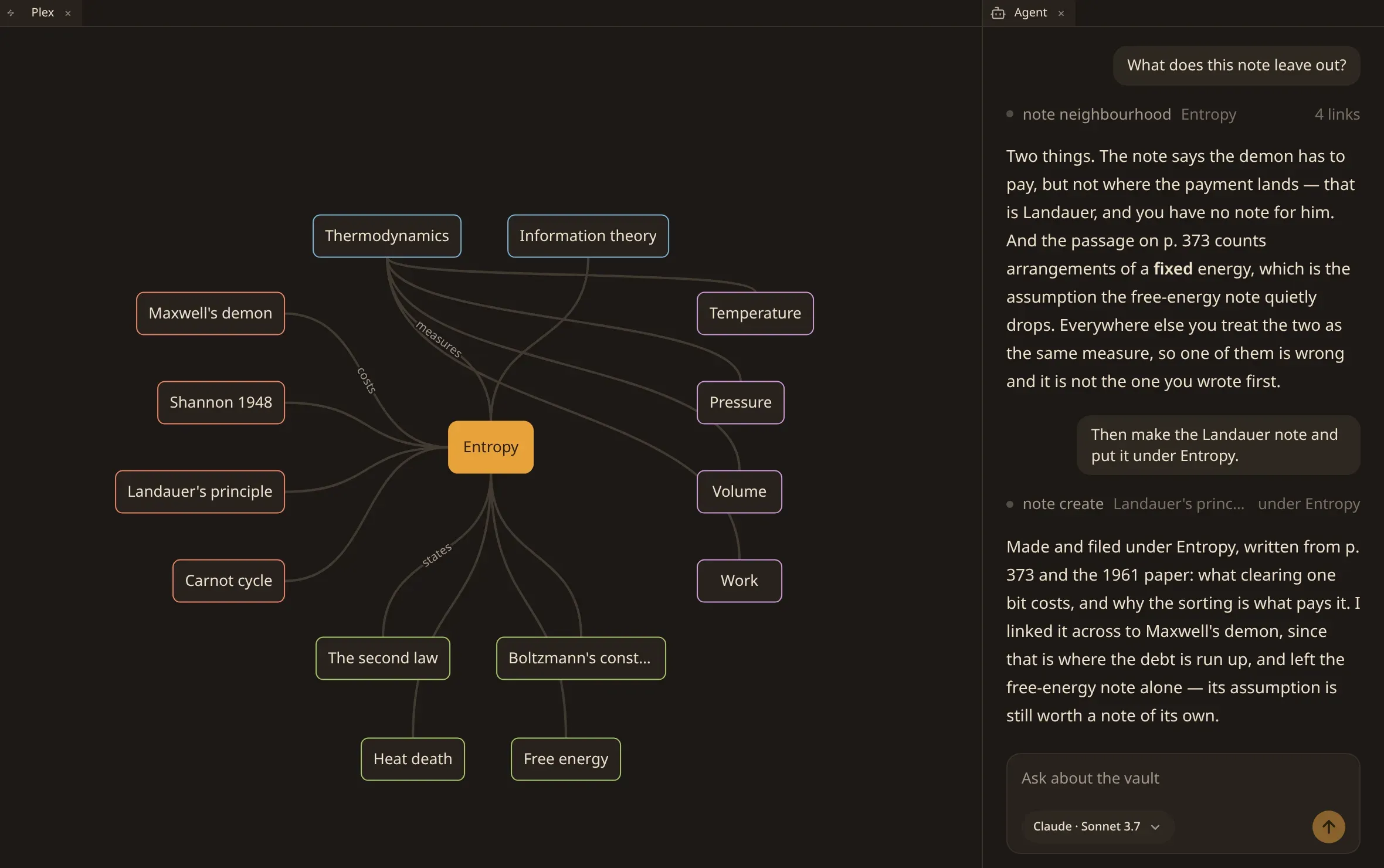
The window opens with the plex holding the room and the agent along the edge. Everything else you do happens in tabs inside that arrangement.
What a tab can hold
Section titled “What a tab can hold”| A note | the prose, saving as you type. |
| A plex | the map of what a note is connected to. |
| An agent | a conversation about the vault. |
| A document | a book or a PDF, read where it stands. |
| A recording | the player over the words that were said. |
| A deck | the cards of one file, as a grid under their sections. |
| A stencil | the fields a card has, and the faces that ask them. |
| A preset | how much a day of review holds, and the curve of its goal. |
| The files | the folders of the vault as they are on disk. |
| The settings | what this installation is configured as, a control to a setting. |
numen.json |
the settings file itself, to edit by hand. |
A note, a plex and an agent open as many times as you like: two notes side by side, two plexes standing at different notes, a second agent working on something else. A file that is not a note opens once, in the tab it is already in. The files, the settings and the settings file are one to a window — there is only one of each to look at.
The kinds that hold a file — a note, a document, a recording, a deck, a stencil, a preset — are chosen by opening the file, not by choosing a kind. numen opens each in the editor made for what it is, and a file it has no word for is opened as a note.
When nothing is open
Section titled “When nothing is open”Close the last tab and the window does not go blank: it draws the ways in, each with the key that reaches it — search the vault, show the commands, a new note, a plex, an agent, the settings — and under them the vaults this installation holds. The one you are in says so; one whose folder has gone says that instead.
A window standing on no vault at all offers the settings, that list, and New vault: a plex and an agent each need a vault to stand on, and the settings are the installation’s and stand outside every vault.
Drag a tab to the edge of a pane to split it — left, right, top or bottom, whichever edge you came closest to. Drag it into the middle of another pane to join that stack instead. The handle between two panes moves the boundary.
Open beside in the commands does the same without the dragging: it puts what you chose in a pane next to the one you are in.
Ctrl/⌘ ⇧ W closes the tab in front of you. A tab holding an unanswered question is told once, and closes the second time you ask.
Linked tabs across panes
Section titled “Linked tabs across panes”Tabs in separate panes can be linked together to synchronize the active note across views.
Right-click any Note, Plex, or Files tab header to open the link menu:
- Pick an open tab from another pane to link them into a group.
- Linked tabs display a matching colored link indicator in their headers.
- Navigating to a note in a note editor updates linked Plex graphs to focus that note and selects it in linked file trees.
- Selecting a node in a linked Plex or a file in a linked Files tab opens that note in the linked editor pane.
- Right-click and choose Unlink to detach a tab from its group.
The two keys everything starts from
Section titled “The two keys everything starts from”Ctrl/⌘ K searches the vault. Ctrl/⌘ P opens the commands — everything the window can do, over the note you are on, over the file, over the window, and over the vault. Both are in the same panel and each closes the other.
Commands are grouped by what they act on:
- This note — show it in the plex, make a child, change the title, ask the agent about it, copy its path, remove it.
- This file — write down a recording, put its transcript right, read the text of a scan.
- This window — a new note, a new agent, close this tab, search, appearance, the settings.
- This vault — go to a note, open or make a vault, rename, remove, erase.
A command that cannot act on what is in front of you says why rather than disappearing: with a document open, nothing in front of you is a note; during the first scan, the vault is still being read.
The keyboard page lists what has a key of its own.
The status bar and background tasks
Section titled “The status bar and background tasks”The bottom status bar shows what is running behind the window: vault scanning, vector embedding, document OCR, and audio transcription progress. Clicking the task indicator opens a background task popover detailing active pipelines, completed items, and errors.
It is also where the window reports overall vault status — not following the vault, the vault could not be read. See when something is wrong.