
Search
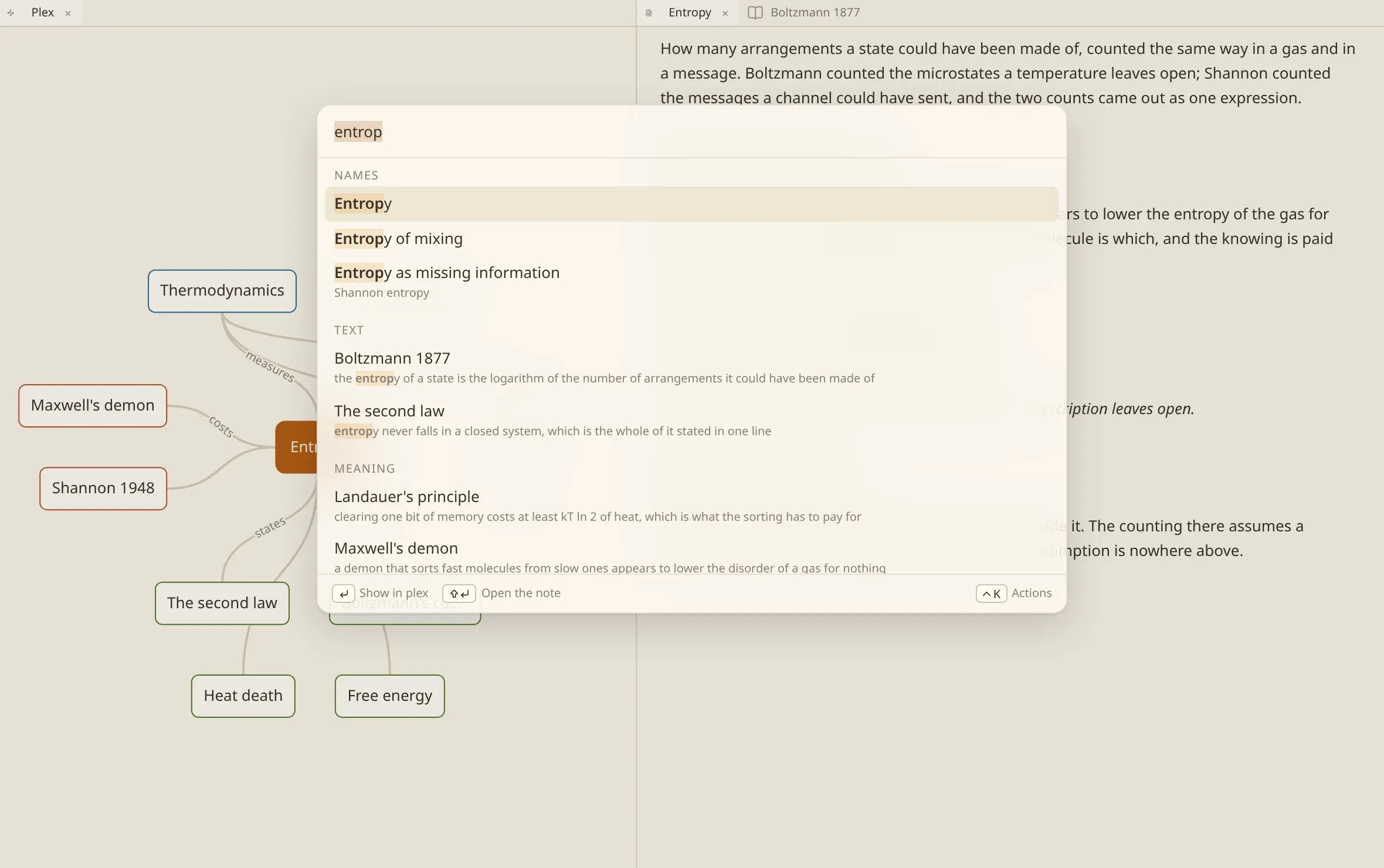
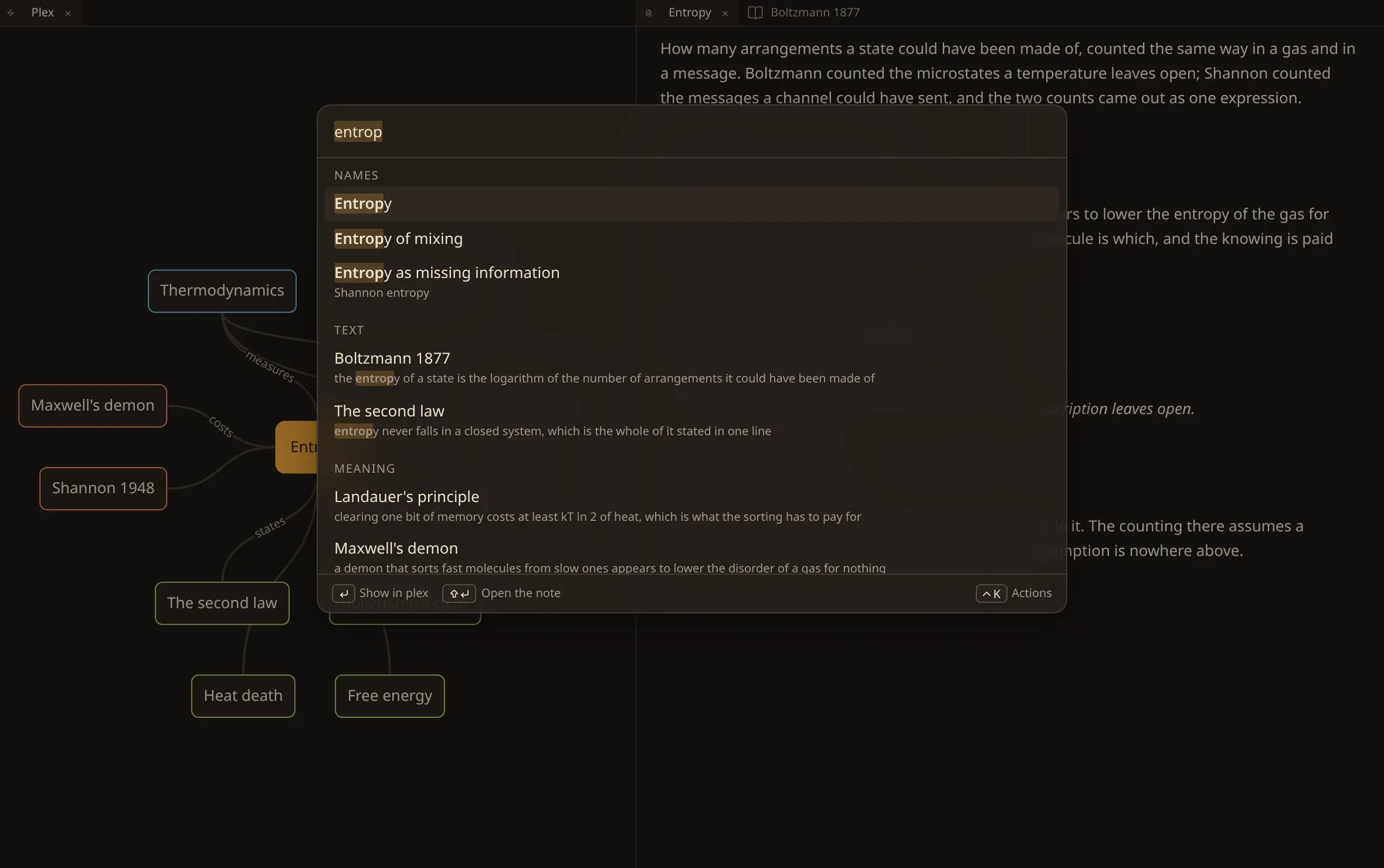
Ctrl/⌘ K searches the vault. One field, and the answers arrive in three bands:
| Names | notes whose title matches what you typed. |
| Text | notes whose words match, and the headings inside them. |
| Meaning | notes that are about what you typed, whether or not they use those words. |
Type a few letters and the first band answers immediately. The other two follow as they are worked out. What you typed is marked in each result, and a band that has found nothing is not drawn at all.
What you can do with a result
Section titled “What you can do with a result”Choose it to open the note. A result found at a particular heading opens the note at that heading, a result inside a document opens the document at the passage the words were found in, and a result inside a recording opens the recording at the second they were said.
↑ and ↓ walk the list, Enter takes what is highlighted, and Escape puts the panel away.
Go to a note — Ctrl/⌘ G — is the shorter version: names only, for when you know exactly which note you want.
Go to the note the vault opens with takes you to the first note the vault holds, which is where numen stands when nothing else has been chosen. It is the way back to the beginning when you have wandered.
What is searched
Section titled “What is searched”Four things, separately, which is why a result can point at a place and not only at a file:
| Titles | what a note is called. |
| Headings | the headings inside it, so a result opens the note at the right one. |
| The text | of notes, of every document the vault holds, and of what was said in every recording it has listened to. |
| Part names | the chapters and sections of a book, so a result names the part it was found in. |
When it finds nothing
Section titled “When it finds nothing”The panel offers to write the note instead: create a note called…, and — if you were standing on a note at the time — to make it as a child, as a parent or as a jump from where you are.
A search that finds nothing is usually a note you have not written yet, so this is the shortest path between noticing that and having it.
Search by meaning
Section titled “Search by meaning”The first two bands are words: they need no model, no account and no network, and they work on a vault the moment it is scanned.
The third band is different. It needs a model to read your notes with, and numen fetches a small one to your machine on first use — it runs there, and nothing you write leaves the computer. Until that has happened you will see searching by words only in the corner, and the Meaning band will say the vault has not been read for meaning yet.
A large vault takes a while to be read the first time. It happens behind the window, the rest of the search works throughout, and the corner shows how far it has got.
If you would rather have no such model at all — or would rather one ran on a service you already pay for — that is a setting.