
Files
The plex is the shape of your links. The files tab is the shape of your folders: the vault exactly as it is on disk, with everything in it — notes, books, pictures, whatever else you keep there.
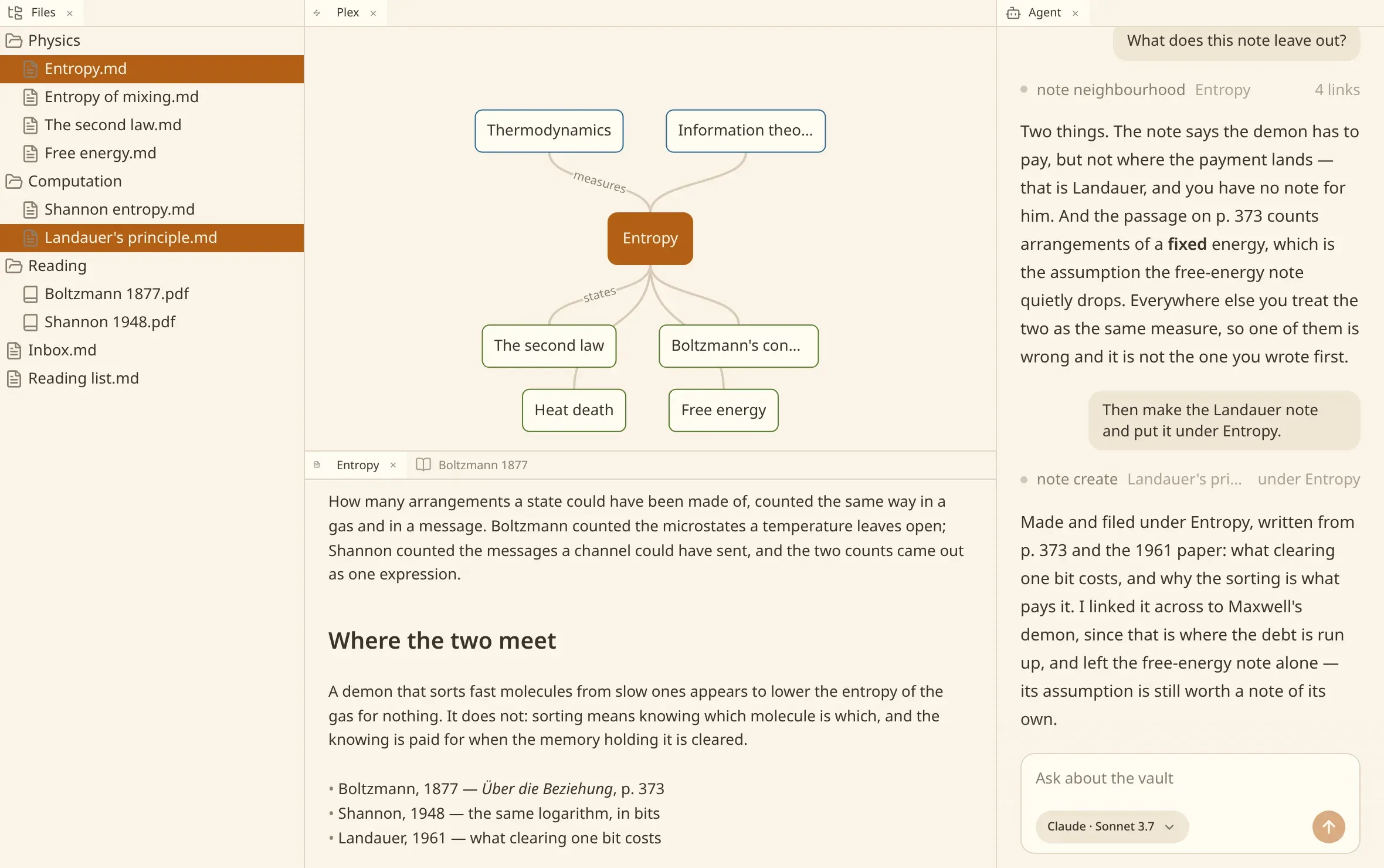
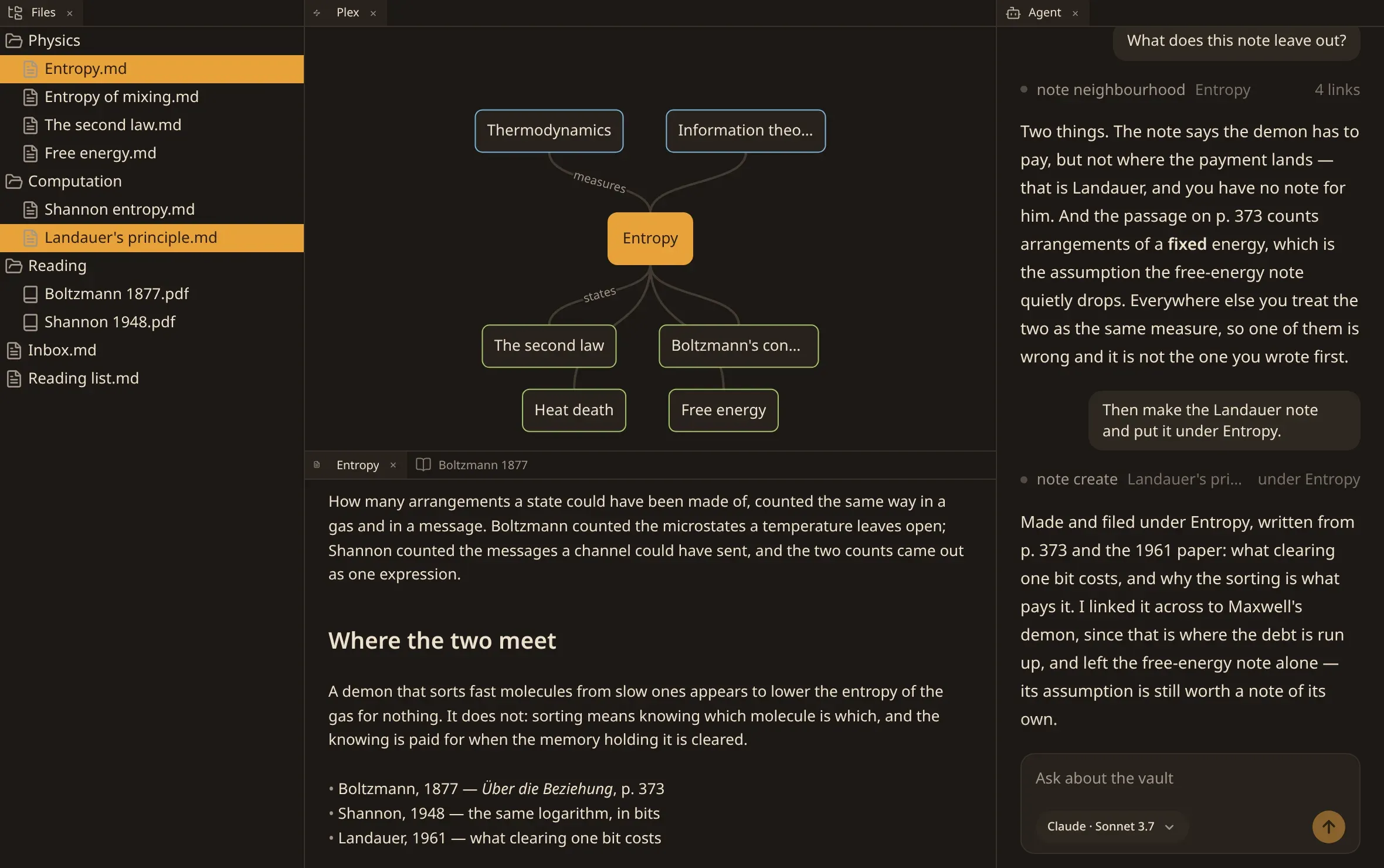
Open one from a new tab, or with Show the files of the vault in the commands. Show this note in the files finds the note you are reading in the tree.
Moving things
Section titled “Moving things”Drag a row into a folder. Several at once if several are chosen, and the pointer says how many it is carrying. A folder goes whole, with everything filed inside it.
Two things are refused, quietly and safely:
- A name already taken in the folder you dropped on. That row stays where it was, the others go, and numen names the ones it left behind.
- A folder dropped into itself, or into anything under it.
Moving a note is a proper move: links that pointed at it are looked at, and the ones that would otherwise reach nothing are put right.
Renaming
Section titled “Renaming”Rename on a row puts the name into a field where it stands. For a note, the title follows the filename — the new name is written into the note — unless you have told the two apart in the settings.
Making things
Section titled “Making things”New note, New deck, New stencil, New preset and New folder make them in the folder you asked on, and the new folder opens with its name in a field, waiting to be called something. A deck and a stencil are cards; a preset is how much a day of review holds.
What a row offers
Section titled “What a row offers”Over a note, the menu is everything the commands offer over one, in bands: open it or show it in the plex; rename, copy its path, make a note beside it; make it a child, a parent or a jump; change its title; ask the agent about it; remove it.
Over anything else — a PDF, a picture, a file numen does not read — the menu is what can be done to a file: rename it, copy its path, make something beside it, remove it.
Choose several rows and the menu offers what means something for all of them, which is removing them.
Running something over a row
Section titled “Running something over a row”Two kinds of file carry a run of their own, in a band between what is done to the file and what is made off it in the plex.
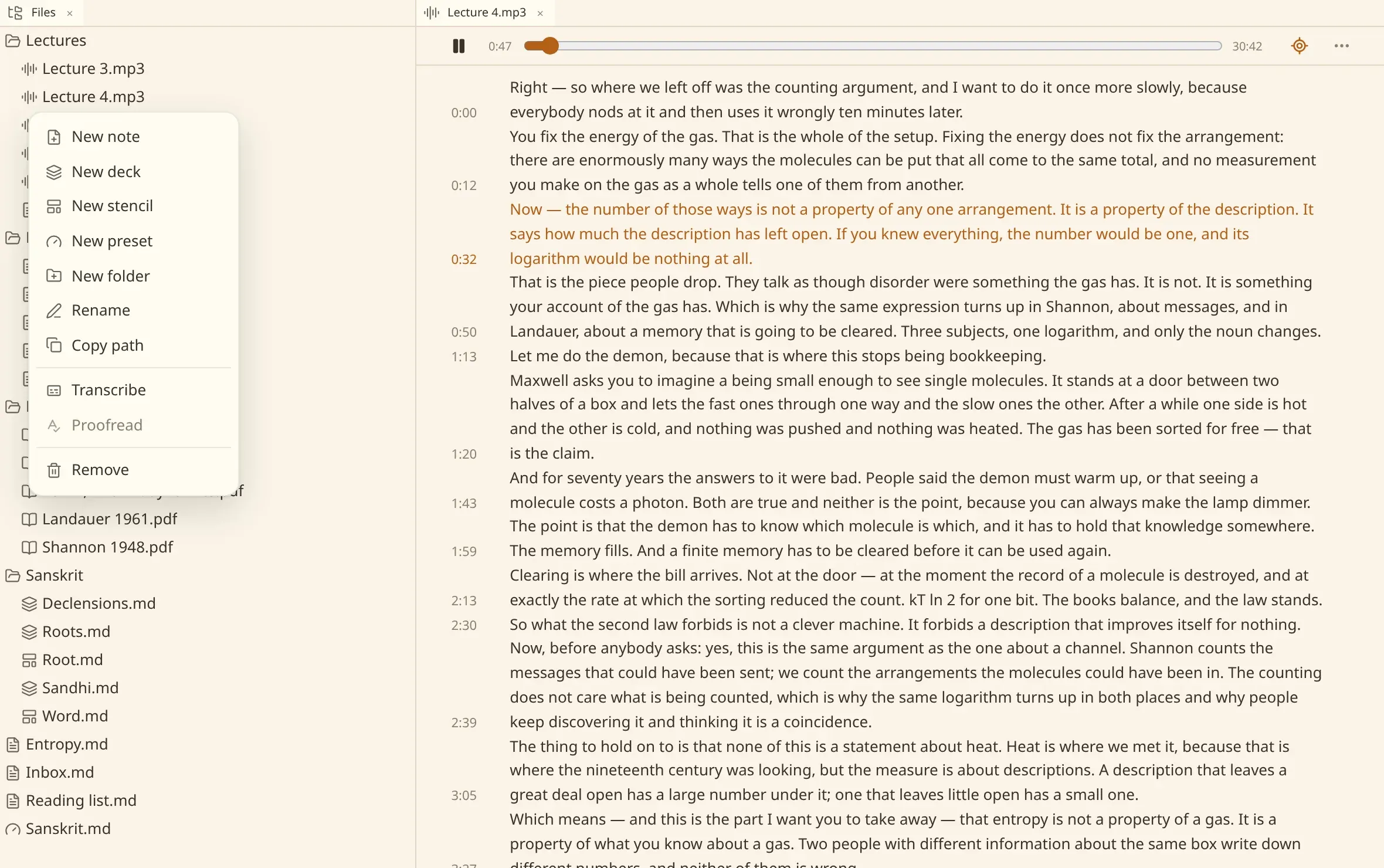
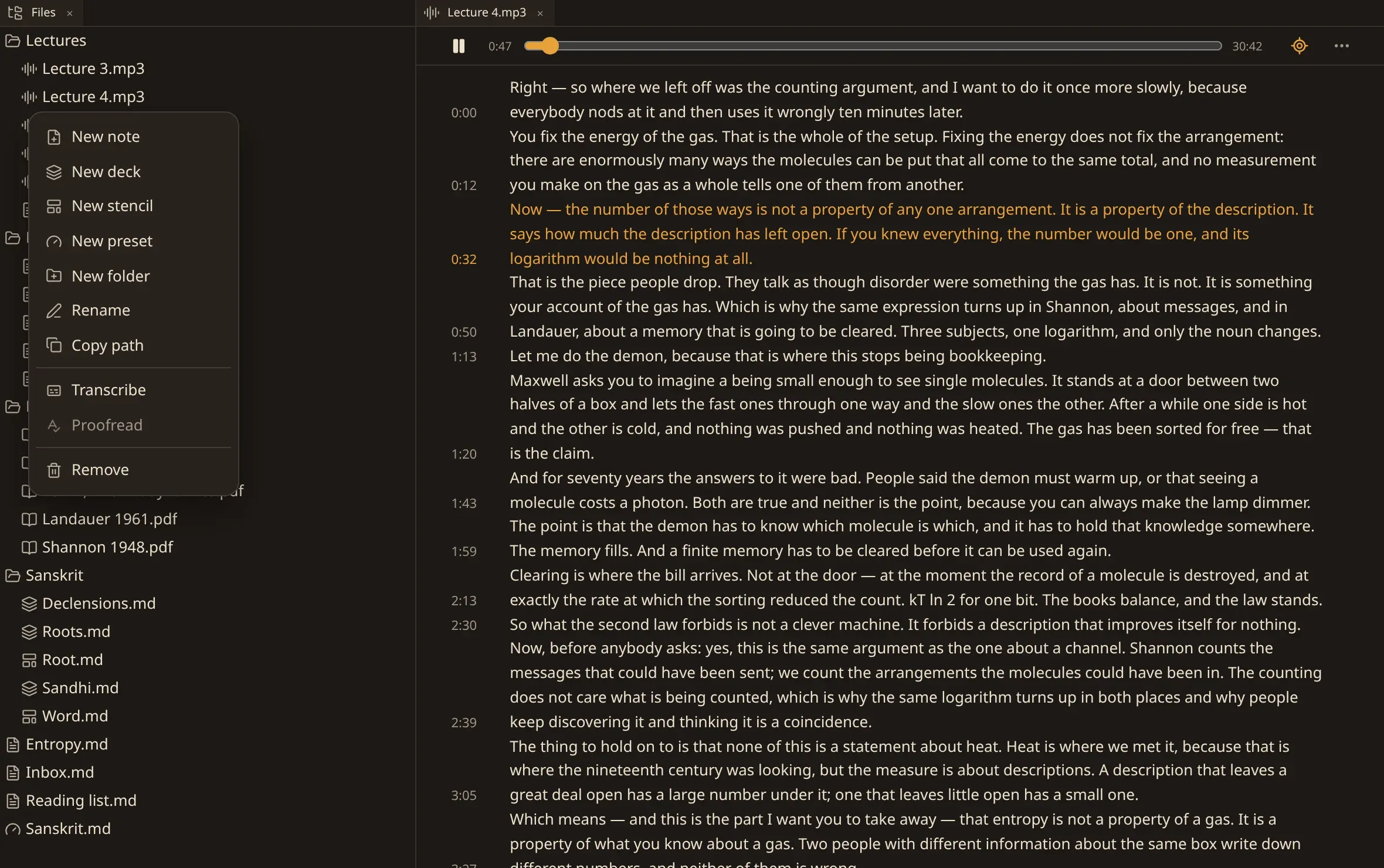
Transcribe on a recording writes down what a model hears in it. Recognise on a scanned book reads its pages. Both run on your own machine, behind the window, and say how far they have got in the corner.
Neither is offered where the build cannot do it at all — the run is asked for once, and a build that answers that it has no models for it stops offering it.
Remove puts a file in .trash/ inside the vault, the same as anywhere else in numen.
Nothing is destroyed.
Carrying notes onto the map
Section titled “Carrying notes onto the map”Rows lift out of the tree: pick notes up and carry them over the rest of the window. Drop them into a relation in the plex — above, below, or to the side of a node — and they are linked to that note, as parents, children or jumps.
Only notes are carried this way. A picture or a PDF among the chosen rows stays where it is, because a link in the vault runs between notes.